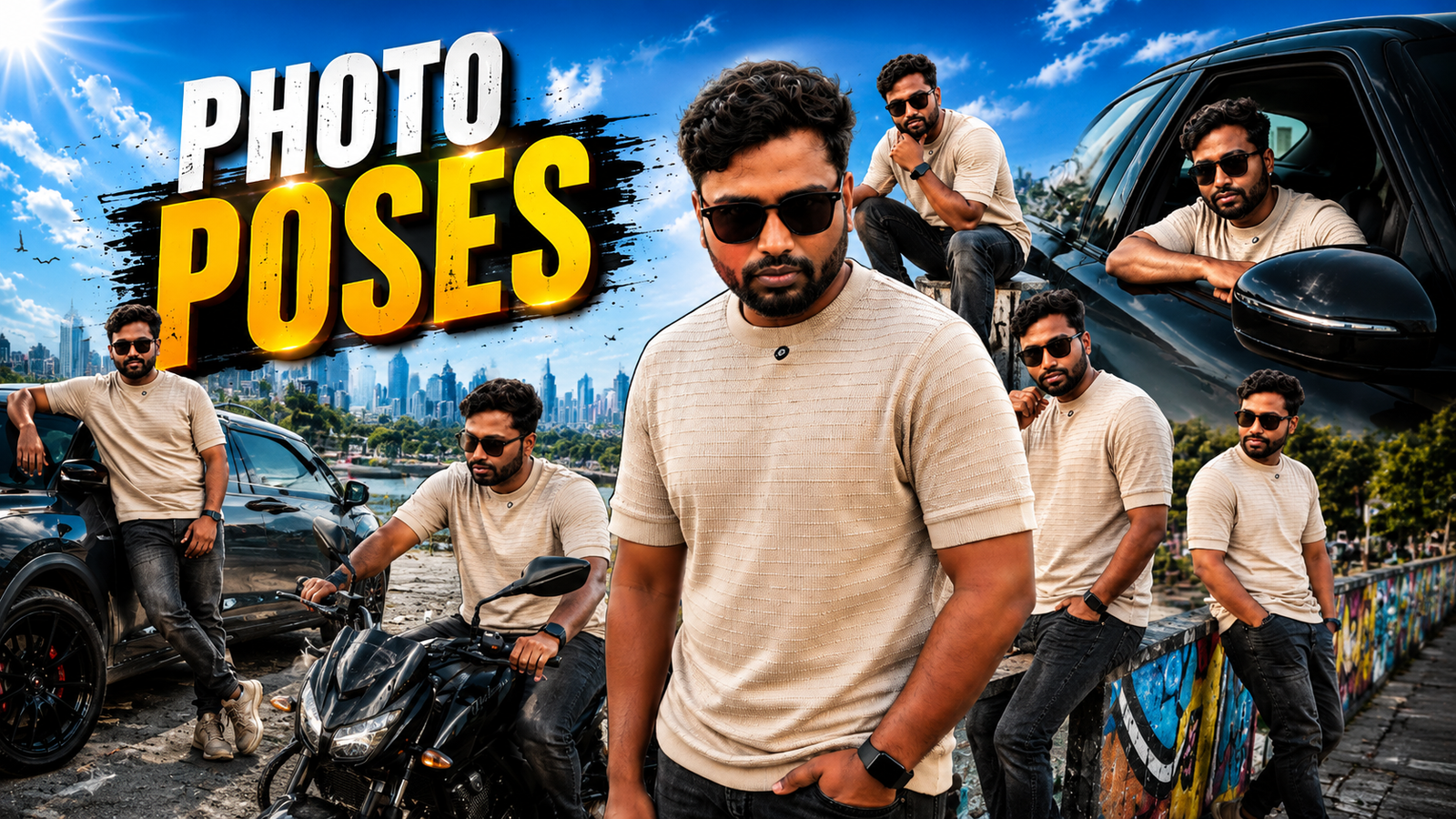
A photo-pose app is most useful as a reference library: it can show body angles, hand placement, framing, or silhouettes to try before the camera timer starts. It cannot guarantee a flattering result because light, lens distance, clothing, mobility, and the intended crop all affect the photograph.
The linked Android app should be evaluated from its Google Play listing. Check the developer, update history, advertisements, in-app purchases, data-safety declaration, rating distribution, and whether the example poses match the type of photos you actually make.
Use poses as adjustable starting points, not body-shape rules. Never force a painful position, block a public path, or pressure another person to copy a pose they dislike. For camera or AI features, grant photo and camera access only while needed.
This guide compares reference, overlay, and AI-assisted pose apps, then provides a simple test workflow for selfies, couples, group photos, and small-business shoots.
Related Resource
The button above opens the Google Play listing for the package shown in the URL. Verify the developer, permissions, data-safety details, ads, purchases, and device compatibility before installing; the link is a specific option, not a guarantee that it is best for every user.

What a pose app can and cannot do
Pose apps usually do three things. First, they give you pose ideas with example photos or simple line drawings. Second, some show an on screen outline that you can match in your camera view, a bit like tracing. Third, a few newer apps use AI to suggest poses from your body position or to show how a pose might look with your height and shape.
Most Android pose apps are offline pose libraries, not magic selfie machines. They do not auto correct bad lighting or messy backgrounds. You still need basic camera awareness, like facing a light source and checking what is behind you. The app is there as a reference and coach, not a full photo editor.
Reference, overlay, and AI-assisted pose apps
To keep this useful, here is a comparison of four common app types you will find on Google Play. Names like PoseCam, Poses, or AI Pose Coach are typical in this category, but features can change with updates and by region, so always double check the Play Store page.

| App Style | Best For | Key Features | Main Downsides | Common Pricing |
|---|---|---|---|---|
| Static pose catalog app | Beginners who want lots of pose ideas | Folders for male, female, couple, group, simple tags like sitting or standing | Requires switching between app and camera, some low quality ads | Free with ads, optional small subscription |
| Overlay pose guide camera app | Users who want live skeleton or outline guides | Transparent pose overlay, timer, grid, basic filters | Can feel cluttered on small screens, heavy battery use on budget phones | Free trial, then monthly or yearly plan |
| AI pose suggestion app | Creators and influencers who shoot a lot of content | AI suggestions based on gender and scene type, some auto framing tips | May need account login, possible cloud processing of photos | Freemium, with watermark removal in paid tier |
| Pose plus editing combo app | Users who want everything in one place | Pose ideas, beauty filters, basic retouch, collage templates | Interface can be messy, risk of over editing, more data permissions | Free with many ads or paid unlock |
Choose an app style for your shooting workflow
If you just want to stop feeling awkward on camera, the best photo pose app on Android for most people is usually a clean static pose catalog with a simple camera overlay. It loads fast, works even on mid range phones, and does not lock basic poses behind a subscription wall.
Look for an app that has clear categories like solo male, solo female, friends, couple, and family, along with simple filters like indoors, outdoors, sitting, and close up. The more organised the library is, the less time you spend scrolling when your friends are already waiting.
Example: building a simple selfie reference set
Imagine a beginner user with a mid range Android phone and no idea how to pose. They install a pose catalog app, open the female selfie section, and mark 10 favourite poses. Before a weekend outing, they quickly review those poses, then use the native camera app with a timer.
The realistic result, the selfies will not look like a studio campaign, but there will be a big jump in confidence. Chin will be slightly down instead of up, arms will not be glued to the sides, and they will start to notice which angle matches their face shape. Over a month, they rely less on the app and more on the habits they picked up.
Example: repeatable small-business model photos
Now think about a small clothing shop that uses an Android phone for catalog photos. They pick an overlay pose camera app, choose simple standing poses for their model, and enable a grid on screen. Each new outfit is shot with the model in three consistent poses, so the online catalog looks aligned.
The friction points appear quickly. The app overlays can slow down shooting, the phone may heat up, and the free version might place a subtle watermark. A practical workflow is to use the overlay for the first few products to lock in poses and framing, then switch to the normal camera and reuse the same angles without the app.
Weekend test: keep only poses that work
Here is a simple weekend test you can copy. On Friday evening, install one pose catalog app and one overlay camera app from the Play Store. Keep both free versions at first. Create two folders in your gallery, Day One and Day Two.
On Saturday, use only the catalog app plus your normal camera. Pick 5 poses for solo shots and 3 poses for group photos. Shoot natural light photos in the morning and again in the afternoon. On Sunday, switch to the overlay app, use similar poses, and let the app guide body alignment.
On Sunday night, compare the two folders. Many people notice that catalog based photos feel more relaxed while overlay guided photos look cleaner but a bit stiff. Based on what you prefer, you can decide whether to keep both apps, remove one, or invest in the paid version of the one you actually used.
First-time setup and permission checklist
- Install only from Google Play
Search the app name directly in Google Play and avoid random APK sites. Pose apps sometimes request camera and storage access, so you want the official build. - Check permissions calmly
Camera and storage are normal, contacts or precise location is less important for a pose guide. If an app asks for too much, look for an alternative. - Download offline packs if available
Some pose libraries allow offline packs. This saves mobile data when you are on holiday or in a studio without strong network coverage. - Create a favourite list
Instead of scrolling hundreds of poses during a shoot, mark 15 to 20 favourites in advance. Include standing, sitting, and close ups. - Test with a mirror first
Spend 10 minutes in front of a mirror copying 5 poses. It feels silly, but it trains your body so that on camera day you move naturally.
Comfort, consent, framing, and privacy mistakes
- Copying poses that do not fit your outfit
High fashion poses in a tight dress rarely work if you are wearing bulky winter jackets. Always match pose to clothing and setting. - Ignoring light and background
A perfect pose in front of a messy room or under harsh overhead light still looks bad. Take five seconds to turn toward a window or move clutter. - Overusing beauty filters
Heavy beauty filters can blur skin and change face shape. They also often require cloud processing, which can raise privacy questions. If you care about that, stick to basic color adjustment in your regular editing app. - Keeping every trial shot
Pose practice creates a lot of throwaway photos. Clean your gallery after each session to avoid storage problems and accidental uploads of test shots.
A pose app is a reference, not a rulebook
The best photo pose app on Android is not a single brand name. It is the style of app that fits how you actually shoot. For many people, a clean pose catalog with clear categories and favourites is the most practical starting point. Creators who shoot every day may benefit from an overlay camera or AI suggestion tool as a second step.
If you want a simple recommendation, start with a free pose catalog, build a small library of go to poses, and combine it with your normal camera app using a timer and grid. After a week of real use, you will know whether you need advanced features or if a light setup already fixed the awkward posing problem.
Common questions about Android pose apps
Which is the best photo pose app on Android right now
There is no single winner because app names and features change often. Look for highly rated pose catalog apps on Google Play with clear pose categories, recent updates, and honest user reviews, then test two or three on your own phone.
Are AI pose apps safe to use
They can be, but always check who made the app and what data it collects. Avoid apps that upload every image to a server without explaining why, and review privacy policies and user feedback before giving account access.
Can pose apps make me look slimmer or taller
Pose apps can suggest body angles that are more flattering, like turning slightly to the side. Some editing apps can digitally reshape your body, but that is a different feature and can easily look fake or unrealistic.
Do I still need a tripod if I use a pose app
A small tripod or a stable stand helps a lot, especially for full body poses and group shots. You can still manage by leaning your phone against a wall or book stack, but stability will limit how many creative angles you can try.
Will these apps work on older Android phones
Most static pose catalog apps work fine on older devices. Overlay camera and AI heavy apps may feel slow or drain battery faster. If your phone is older, start with lighter apps and keep background apps closed while shooting.
Thank you for reading this guide. If you found it helpful, stay connected with this blog for more latest tech news, practical Android app tips, AI tools, and useful updates for your daily digital life.