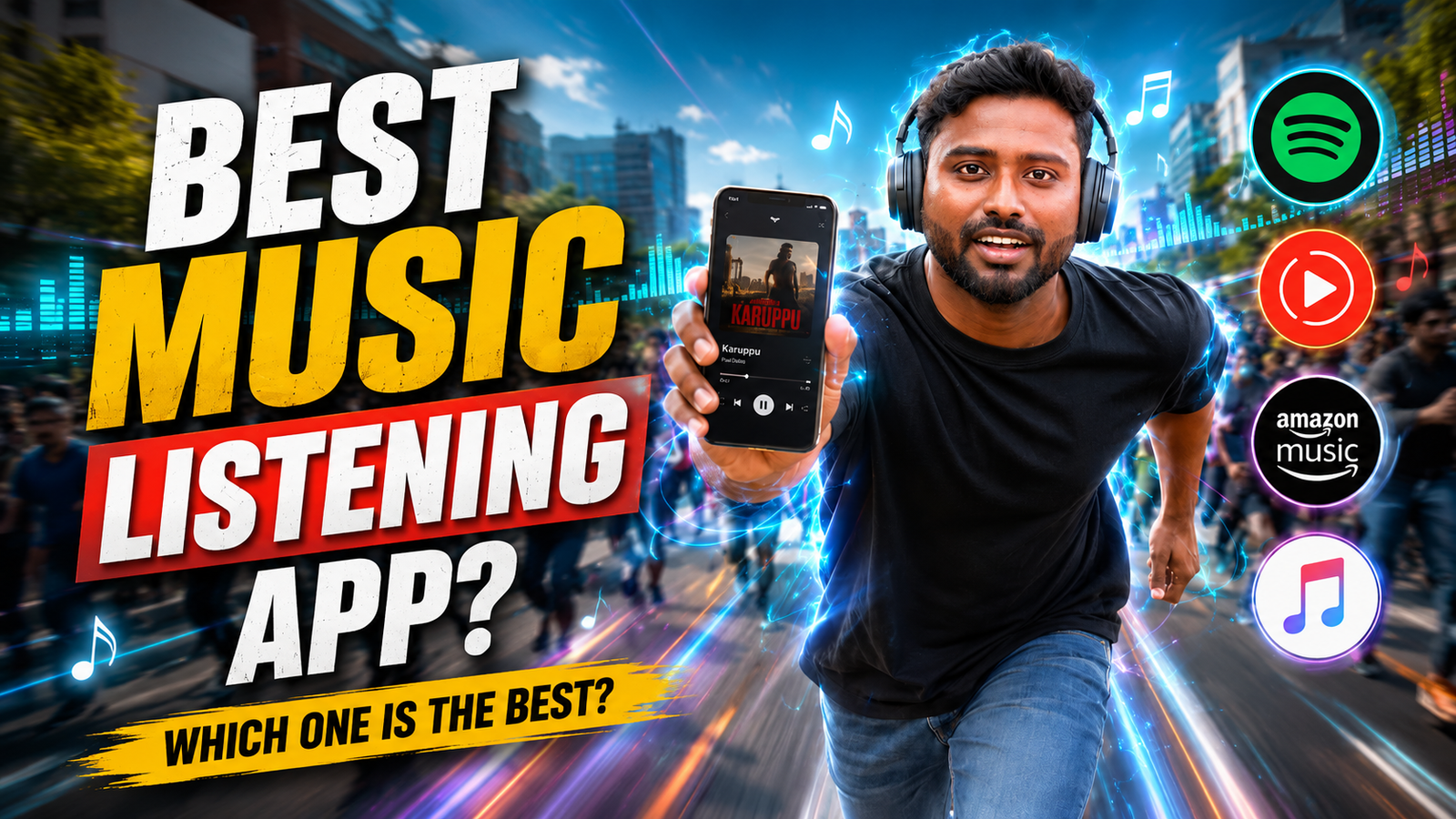
A music app should be chosen by the source of the audio: licensed streaming catalogue, purchased or owned local files, podcasts, radio, or a specific creator platform. “Free music” alone does not establish that a service is licensed, secure, complete, or available in your region.
Compare the official app or service information for catalogue, subscription price, advertisements, offline-download rules, audio quality, device limits, casting, accessibility, cancellation, and privacy. Features and prices change, so check the current terms before starting a trial.
For local audio files, a player should not need account credentials or broad access beyond the selected media. For streaming, use strong account security, set a mobile-data limit, and remember that an “offline download” is often playable only inside the service while the subscription and licence remain valid.
The comparison below focuses on listening situations, setup checks, storage, data use, hearing safety, and how to avoid modded apps or unclear third-party catalogues.
Related Resource

External-service warning: The DOWNLOAD NOW button opens echomusic.fun, a third-party domain rather than an official Google Play, Apple App Store, Spotify, YouTube Music, or other named service listing. Verify its operator, music licensing, privacy policy, permissions, payments, and download behaviour before using it.
Define the listening source and essential features
Marketing pages talk about huge libraries and smart recommendations. In daily use, listeners usually care about five things first: sound quality, offline download limits, battery usage, simple playlists, and whether the app behaves nicely across phone, laptop, and smart TV.
Sound quality is not only about bitrates. Some apps apply loudness normalization in a way that flattens dynamic tracks. Others hide equalizer options behind several menus. On mid range Android phones, the built in system sound effects can also clash with app level enhancements, so a good app gives you clear control.

Offline playback is another real pain point. Free tiers may restrict downloads or delete them if you stay offline too long. If you travel often or have unstable mobile data, this matters more than the latest discovery features. A careful buyer checks download rules before committing to an annual plan.
Compare licensed streaming and local-file players
Exact features and plans can change by region, but the same few names show up in almost every comparison: Spotify, Apple Music, YouTube Music, Amazon Music, and one local files player option like Poweramp or VLC. Here is a quick look at how they differ for daily listeners.
| App | Best For | Offline Downloads | Free Tier | Platforms |
|---|---|---|---|---|
| Spotify | Playlists and discovery | Yes on Premium, device limit applies | Yes with ads and skips limit | Android, iOS, desktop, web, many TVs |
| Apple Music | High quality audio and Apple devices | Yes on paid plan | Usually trial only | iOS, Android, some TVs, desktop |
| YouTube Music | Official audio plus videos and remixes | Yes on Premium, background play | Yes with ads and no background audio | Android, iOS, web, smart TVs |
| Amazon Music | Prime users and Alexa speakers | Yes, details differ by plan | Limited catalog with Prime | Android, iOS, Echo, Fire devices |
| Poweramp or VLC | Local MP3 and FLAC files | Files stored on device | Free or one time purchase | Mostly Android, desktop versions for VLC |
Example: listening on a limited mobile-data plan
Imagine a college student with a budget Android phone and a prepaid data pack. They travel by bus, use basic wired earphones, and live in a hostel with unstable Wi Fi. They need an app that does not kill data or battery and still lets them discover new tracks occasionally.
In this case, the best music listening app is usually a mix of Spotify free or YouTube Music free plus a dedicated offline player for local files. The student can use campus Wi Fi to download free legal tracks or podcasts and then play those in a light local app during the week. Streaming is reserved for Wi Fi days so the data pack survives the month.
A common mistake here is leaving auto download of podcast episodes turned on. Many streaming apps sync new episodes in the background which fills storage and eats data. During first time setup, switching off auto downloads and lowering streaming quality on mobile data can prevent surprise charges.
Example: moving between phone, computer, and speaker
Now think about a person who listens on phone during commute, on laptop at work, and on a soundbar TV combo in the evening. Their priority is not saving every megabyte. They want playlists that follow them, smooth casting to speakers, and minimal app switching.
For this profile, Spotify and Apple Music usually lead because of their ecosystem reach. Spotify connects easily to many cars, game consoles, and TV apps. Apple Music works tightly with Apple Watch and HomePod where available. YouTube Music is close behind, especially if the person already pays for ad free YouTube.
The trap here is paying for two full subscriptions at once because friends or coworkers are on different platforms. If you must keep two apps, pick only one for paid offline downloads and use the other on the free tier for social or shared playlist reasons.
One-month review of streaming plus local playback
Many people expect that there is a single best music listening app that covers every use case. In real life, a simple two app setup often covers more ground with fewer compromises. Picture a month long trial where you use one streaming service plus one local player and track what actually annoys you.
Week one, you use the streaming app for everything. Note the small issues: songs not available in your region, certain live versions missing, or podcasts that only exist as downloads. Week two, start collecting important files locally, such as purchased albums or practice tracks for an instrument, and play them with a local app like Poweramp or VLC.
By week four, most people find that around 80 percent of casual listening stays on streaming while focused or niche content moves to local storage. This split reduces dependence on subscription changes, avoids sudden catalog removals, and still keeps recommendations active for new music discovery.
Data, download, account, and audio setup
Whichever app you pick, a few careful settings can instantly improve quality and reduce frustration. The exact menu names differ by version, so check your app help pages if labels do not match perfectly.
1. Balance audio quality, data, and safe volume
- Set Wi Fi streaming quality to high or very high if your plan allows it.
- Keep mobile data quality on normal unless you have unlimited data.
- Check loudness normalization and try both on and off to see which sounds better with your headphones.
- Avoid stacking multiple equalizers. If your phone has a system EQ, either use only that or only the app EQ to prevent distortion.
2. Set storage and offline-download limits
- Change download location to SD card when possible on Android to save internal storage.
- Turn off automatic download of liked songs if you have a small device.
- Schedule a monthly cleanup reminder to remove old offline playlists you no longer play.
3. Review account privacy and notifications
- Review data sharing and personalized ads options in the account settings, especially in regions where defaults may be aggressive.
- Limit social features if you do not want every listening activity visible to followers.
- Disable non essential notifications like new merch alerts or live stream promos to keep focus on music.
Choose the smallest service set that meets the need
If you mainly care about playlists, friends activity, and being able to share songs easily, Spotify is usually the practical first try. Its free tier is usable with ads and lets you understand the interface before paying. The recommendation system is strong and device support is wide, from cars to smart TVs.
If you value audio quality and already use an iPhone, iPad, or Mac, Apple Music is the stronger pick. It commonly offers lossless and sometimes spatial audio on supported devices and headphones. Just note that the interface can feel heavier on older Android phones, so budget Android users may want to test it during a free trial before committing.
If you live on YouTube and enjoy live performances, covers, and remixes that never reach other platforms, YouTube Music is a natural choice. Background play and offline downloads require Premium, but then you also remove ads from normal YouTube videos which can be a better overall deal for regular watchers.
For anyone with a huge existing MP3 or FLAC collection, pairing a simple local player with one streaming app often beats trying to upload everything to the cloud. This hybrid approach gives you stable access to owned files and still keeps discovery features from the major services.
Verify licensing, cost, and data use first
The best music listening app is not the same for every listener. It depends heavily on how often you are online, what hardware you use, and whether you already pay for another service like Prime or YouTube Premium. Chasing the biggest catalog is less important than checking how the app behaves in your own routine.
A practical starting strategy is this. Test one major streaming app for two weeks, adjust audio and download settings on day one, and write down what actually annoys you. If the problems are catalog gaps or offline reliability, add a local files player rather than instantly switching platforms. If the problem is recommendations or interface design, try the next big service with the same test method.
By treating your music app choice like a small experiment instead of a permanent marriage, you will quickly discover which service and which settings give you the best mix of sound quality, convenience, and cost.
Common questions about music apps
Which app is best for offline music listening
For pure offline use with your own files, a local player like Poweramp on Android or VLC on multiple platforms is usually best. If you want offline streaming downloads, Spotify, Apple Music, and YouTube Music all work, but rules about device limits and expiry dates vary by region and plan.
What is the best free music listening app right now
For most users, Spotify free offers the most balanced mix of catalog size, playlists, and cross device support. YouTube Music free is also strong if you do not mind the screen staying on and ads between songs. Remember that free tiers often limit skips and audio quality.
Which app gives the highest audio quality
Apple Music and some lossless focused services highlight higher quality streams on supported devices. Spotify has also been testing higher quality options, but availability can differ by region and time. In many casual setups, the difference between high and very high settings is smaller than switching to better headphones.
Is it safe to use modded or cracked music apps
It is risky. Modified apps may include malware, privacy issues, or violate platform rules, and accounts can be banned if terms of service are broken. For safety, stick to official stores like Google Play or the App Store and use legal free tiers or trials instead of unsupported versions.
Can I use two music apps on the same phone
Yes, most people can install and use multiple music apps without problems. Just check battery optimization and background activity settings on Android so that apps are not fighting for audio focus. Also avoid duplicating full libraries in offline downloads or you may run out of storage quickly.
Thank you for reading. If you found this guide useful, stay tuned to this blog for more practical tech tips, app recommendations, AI tools, and the latest updates in the digital music space.