
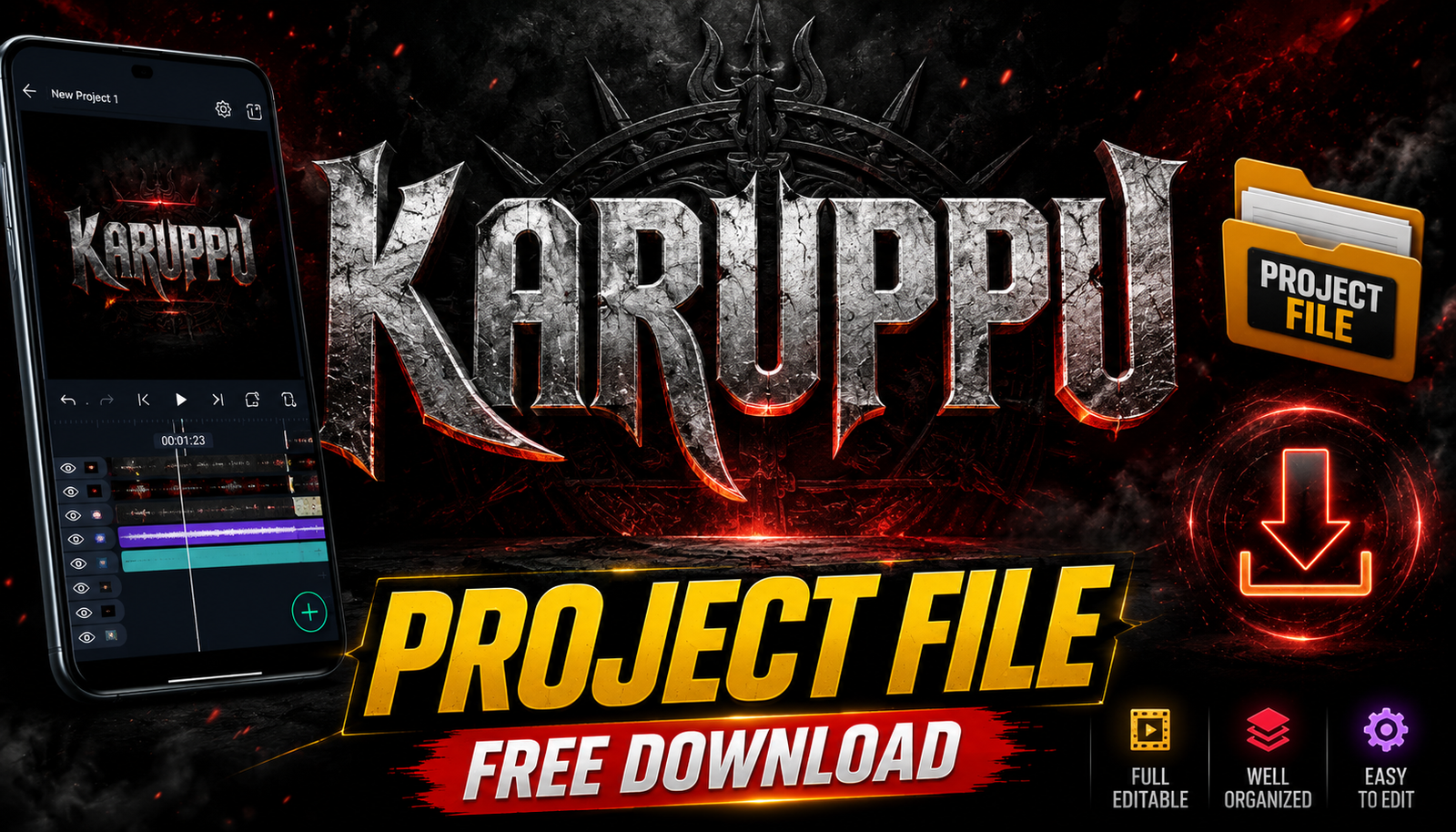
The existing Project File Link is an Alight Creative share URL, so it should be treated as an Alight Motion project resource—not a universal template for VN, CapCut, KineMaster, or desktop After Effects. A different editor may not recognise its layers, keyframes, fonts, effects, or media references.
Open the link only after confirming the destination and installing the required editor from its authorised store. Duplicate the imported project, keep the original file, and inspect every layer before replacing text or media; missing fonts, paid effects, version differences, and absent source assets can change the result.
A shared project does not automatically include permission to reuse film clips, music, logos, typefaces, photographs, or other embedded assets. Use licensed replacements and obtain permission for commercial, client, or monetised work.
The checklist below covers format identification, safe import, asset audit, text and colour changes, performance troubleshooting, export, and storage without modifying the existing project link.
Related Resource
Shared-project disclosure: The Project File Link opens an Alight Creative URL supplied by a third party. Review the account request, project contents, effects, fonts, external media, and permissions before importing; do not download a separate APK or profile to make it work.
What the linked Alight Motion project may contain
In many Tamil and South Indian edits, Karuppu simply refers to a black or very dark themed title card with bold text, glow, and sometimes a grainy cinematic look. A project file is a ready made template that already includes the layers, keyframes, fonts and effects required to get that style. When you open the file inside a supported app, you mostly just replace the text and adjust timing.
Most of these project files are created in apps like Alight Motion or After Effects, then converted or recreated for mobile editors. On phones, you will often see Alight Motion .xml or .alm files, VN project share codes, or CapCut template links. Desktop based templates usually come as .aep files, which only work in After Effects and not on Android directly.
Project formats are not interchangeable between editors
Before you click any link, you should know what format your main editing app uses. This avoids the common mistake of downloading random files that your phone cannot even open.
| Editor App | Typical Project Format | How Links Usually Work | Best For Karuppu Titles |
|---|---|---|---|
| Alight Motion | .xml or .alm project | Import from file manager or share link that opens in app | Advanced animation, text and glow effects |
| VN Video Editor | VN project bundle or share code | Open link, then clone project in VN | Fast editing, simple typography based cards |
| CapCut | Online template link | Tap link, app auto loads template | Quick social media edits with music |
| After Effects | .aep file | Manual download on PC, open in AE | High quality cinematic title sequences |
If an uploader shares one single Karuppu title card project but you are using a different editor, you may not be able to import it at all. Whenever possible, search using both the style name and your app name, for example Karuppu title card Alight Motion project link.
Inspect a shared project before customising it
Because many of these links are shared in groups, there is a real risk of landing on spam pages or unsafe downloads. Use a simple checklist before you import anything.
Import, duplicate, audit, edit, and export
- Check the source. Prefer known editing channels, communities, or creators whose work you have already seen, instead of random profile links.
- Look at the file type. When your browser shows the download, confirm that the extension matches what your app supports. Avoid strange file types that look like installers.
- Scan the file on your phone with a trusted security app if your browser or antivirus warns you.
- Backup your ongoing projects before importing anything new, especially on older phones where storage is tight.
If a link tries to make you install unknown apps or browser extensions just to access the project, skip it. Serious editors usually share direct project files, Google Drive links, or cloud storage links without unnecessary add ons.
Example: duplicate and relink assets in Alight Motion
Imagine you find a Karuppu title card project for Alight Motion in a Telegram group. The link opens a Google Drive file named Karuppu_Title_Card_AM.xml. After you download it, open Alight Motion, tap the import or plus icon, and select the file from your downloads folder. The project appears in your list, usually with a preview thumbnail.
Open it and you will see multiple layers for background, text, glow and grain. Tap the main text layer, edit the wording to your title, then adjust the font size if your text is longer than the original. Finally, set the background color, usually pure black or slightly faded black, then export as 1080 by 1920 video at a high bitrate for clean output.
Example: rebuild the design when another editor cannot import it
Now consider a VN or CapCut version of the same style. The creator posts a link in the description of a reel. You tap the CapCut template link, the app opens, and you see the dark title preview with a Use template button. Replace the sample text and any media clips, preview once, and then export with your usual settings.
This flow is much faster but also more restricted. Many online templates lock some advanced controls, such as changing the base animation curve. If you plan to reuse the Karuppu look across a full series of videos, Alight Motion or VN with editable projects usually give you more long term control than single use templates.
Example: a licensed channel intro with reusable brand assets
Take the case of a new YouTube creator who wants a consistent intro for every video. They pick a Karuppu title card project file, import it into Alight Motion, and then create three variations, one for tech videos, one for vlogs, and one for shorts. Each variation keeps the same black base, font family, and animation speed so the channel branding feels stable.
At first the creator just uses the file as is. After a week, they start tweaking details, such as adding subtle red accent lines or a slow camera zoom. Because the project file is fully editable, they never have to rebuild the timing curves from scratch. The final result is a recognisable visual style without spending hours on every new upload.
Wrong app, missing assets, licence, and version mistakes
- Downloading from mirror sites that bundle extra installers or unnecessary apps.
- Ignoring font requirements so the title card looks different from the preview due to missing fonts.
- Exporting at low resolution such as 720p when you actually need crisp 1080p or 4K for YouTube playback.
- Leaving the original creator watermark in place and then getting comments complaining about copied work.
- Using copyrighted background music that was part of the sample project without checking rights for your own uploads.
To avoid copyright trouble, treat the visual template and the audio separately. The Karuppu style usually refers to the visual design, not the soundtrack. Add your own royalty free or licensed music when you finish the edit.
Store source, working copy, licences, and exports separately
As you download more title cards, your phone can quickly fill up with random files. Create a simple folder structure inside your storage, for example Projects, then subfolders such as Karuppu Titles, Lyrical Intros, and Outro Packs. This makes it easier to jump back to a specific design later.
For every file, keep a small text note or screenshot showing which app it needs and a sample frame. In the long run, this saves more time than hunting across Telegram chat history whenever a client asks for a similar effect again.
A project link is a starting file—not usage permission
A Karuppu title card project file link can be a solid shortcut to cinematic looking intros, but it only helps if the format matches your editor and the source is trustworthy. Focus on compatible file types, clean imports, and safe download behavior instead of just grabbing every link you see.
Start by picking one editor as your main tool, then search for Karuppu style projects made for that app. Learn how the layers are built, do not be afraid to customize timing or colors, and always replace music with tracks you can legally use. With a few well chosen templates, you can give your videos a strong dark themed identity without turning every edit into a full day project.
Common questions about shared title-card projects
What is a Karuppu title card project file link
It is a shared project or template link for a dark black themed title card, usually used in Tamil style edits, that you can import into editing apps like Alight Motion, VN, or CapCut.
Which app is best for Karuppu title cards
Alight Motion is popular for detailed keyframe animation, while VN and CapCut are better for quick social media edits. Choose based on how much control you want over the effect.
Are these project file links safe to use
They can be safe if you download from trusted creators or communities and avoid sites that push extra installers. Always check the file extension and scan suspicious downloads.
Can I change the text and color in a Karuppu title project
Yes, most projects let you edit text, fonts, and colors. Some online templates have limits, but offline project files in apps like Alight Motion are usually fully customizable.
Why does the title card look different from the preview
This often happens when the original font is missing or when your app version handles effects differently. Install the required font and keep your editor updated where possible.
Thank you for reading. If this guide helped you understand Karuppu title card project file links, consider checking our other posts on mobile editing apps, AI tools, and practical tech tips for creators.




