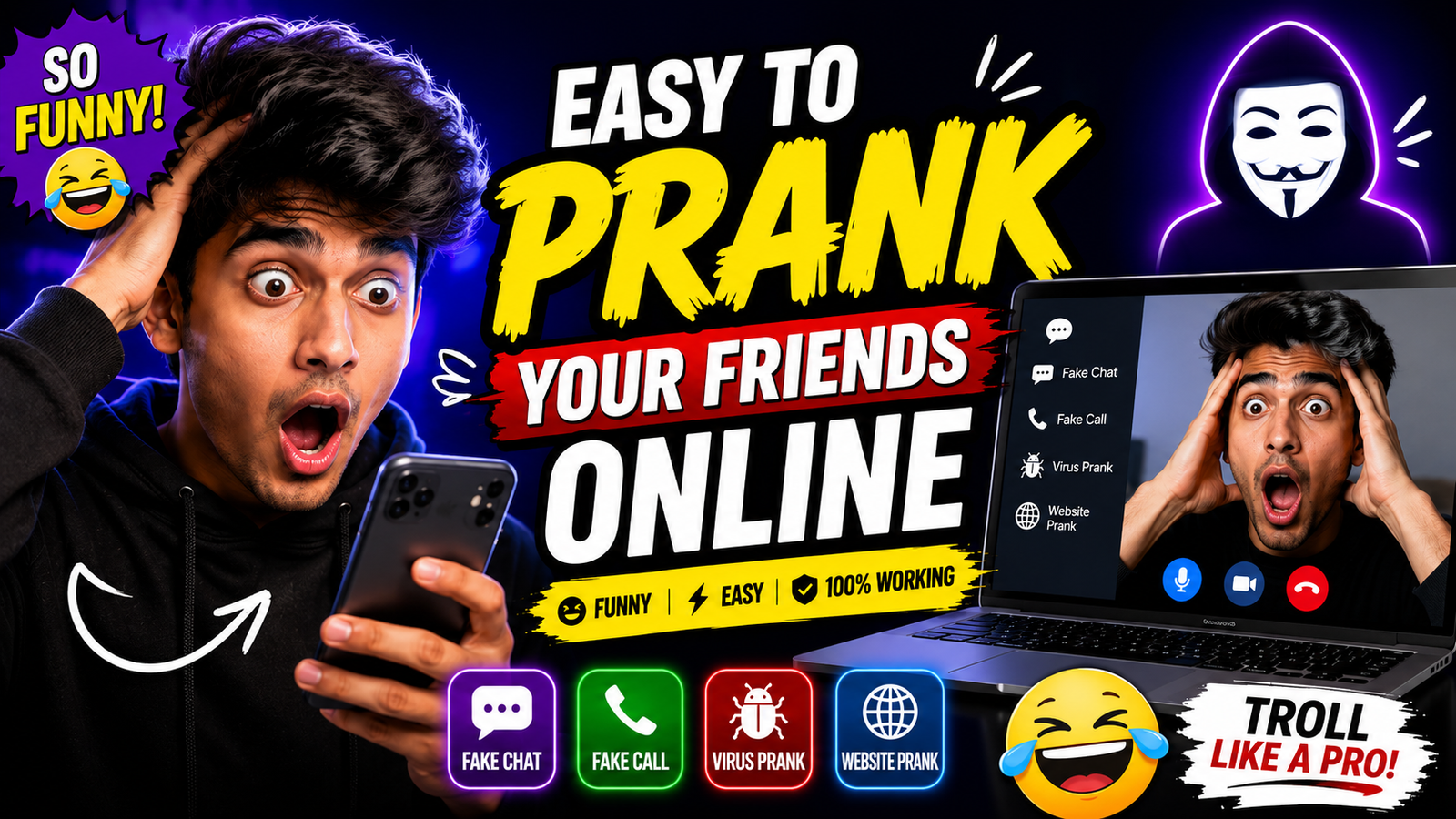
A safe online prank is a short, reversible joke shared with people who have already shown that they enjoy this kind of humour. It should not imitate an emergency, official warning, payment request, account suspension, exam or work notice, security incident, or message from another real person.
Keep the joke inside a familiar chat or video-call feature, reveal it quickly, and provide an immediate way to stop. Do not collect credentials, install files, change another person’s settings, publish embarrassing material, or create a link whose destination is hidden from the recipient.
Consent and context matter more than technical skill. Avoid pranking strangers, customers, coworkers during work, children without a guardian’s agreement, or anyone who may be distressed by jump scares, health claims, academic news, or account-security messages.
The ideas below are limited to obvious, low-stakes humour such as playful typing, agreed meme exchanges, and virtual backgrounds. Each should end without money loss, privacy exposure, device changes, reputational harm, or continued confusion.
Related Resource
Third-party WhatsApp link: The button above opens a WhatsApp channel post and is not required for the suggestions in this article. Do not download files, share personal data, or participate in a prank solely because a channel requests it.

Compare low-stakes joke formats
| Prank type | Difficulty | Best place to use | Risk level |
|---|---|---|---|
| Fake typing or fake screenshots | Very easy | WhatsApp, Telegram, Discord, Instagram DMs | Very low if you reveal fast |
| Funny link and preview tricks | Easy | Group chats, social media posts | Low if links are safe |
| Light jump scare with consent | Medium | Close friends on desktop or laptop | Medium, avoid for sensitive people |
| Video call background surprises | Medium | Zoom, Teams, Google Meet | Low in casual calls |
| Fake announcement or fake event | Medium | Gaming servers, study groups | Medium, must be reversed quickly |
Consent and stop rules come first
If you want pranks to be a long running tradition with your friends, you need a few basic rules. First, no prank should touch money, passwords, grades, jobs or health. That means no fake payment messages, no fake medical emergencies and no fake account ban screens that look completely real. These topics can trigger panic or have real life consequences.
Second, respect platform policies. Many social networks and work tools take impersonation and misleading content seriously. Avoid creating fake profiles that copy a real person, avoid fake official messages and never send files from random download sites just to pull a prank. You do not want a temporary joke to become a permanent ban.
Third, consider your friend’s mental and physical health. If someone has anxiety, a heart condition, a bad week at work or exam stress, skip any jump scares or pranks that increase pressure. Save the heavier jokes for a time when everyone is relaxed and open to being teased.

Low-risk jokes inside familiar chats
1. The endless typing prank
Some websites and bots can show a fake typing indicator that you record as a short video or GIF and send in chat. The idea is simple, your friend sees the typing bubble for a long time and waits for a message that never arrives. On apps like Telegram and Discord you can also fake it by sending a short screen recording where you pretend to type then cancel.
Keep this short so it stays funny. For example, do it for 10 to 15 seconds, then follow with a screenshot of the fake typing bubble and a clear note that it was a prank. In a work chat this might be annoying, so keep this one for close friends or gaming groups that enjoy mild trolling.
2. Clearly fictional screenshot joke
Avoid realistic system, payment, account, school, workplace, or emergency screenshots. If an image joke is used, make it visibly absurd and label or reveal it immediately so nobody changes settings, spends money, misses a deadline, or contacts support.
A safer group example is an obviously impossible “exam on the Moon” graphic followed immediately by the real timetable link. Do not create believable academic announcements: even brief panic can harm trust or cause someone to act on false information.
Use transparent links to harmless content
3. A recognisable link to a funny reveal
Do not disguise a destination with a misleading preview or shortened URL. If sharing a funny clip, use the recognisable source link and make the joke come from the harmless content itself; the recipient should be able to see where a tap will go.
Important tip, always use trustworthy sites like well known URL shorteners and always send links to safe content that you have already checked in your own browser. Never send a site that triggers popups, downloads or adult content to people who did not ask for it, that is not a prank, it is just rude and risky.
4. Auto play voice notes or memes
On some platforms you can share short sound clips or memes that auto play when opened. A classic prank is a sudden funny sound during a quiet chat, like someone loudly saying why are you still online. This works best in groups that already trade memes and where sound is not embarrassing, for example not during a work meeting.
To keep it friendly, avoid offensive language or anything that could be overheard by children or coworkers. If your friend is in a public place, they might be wearing loud speakers, so a loud clip can be uncomfortable in real life.
Virtual-background jokes with agreement
Most meeting apps such as Zoom, Microsoft Teams and Google Meet allow virtual backgrounds. You can upload an image that sits behind you. This is a perfect low risk space for visual pranks. For example, set your background as a messy room while your real room is clean, or place a giant version of your friend’s face behind you.
Another classic is the clone prank. You record a short video of yourself sitting still, sometimes looking at the camera, then you use that recording as a virtual background while you quietly step away. People think you are paying attention, then someone notices that you have not moved for a while. Reveal the trick quickly so it stays friendly, and never use it in serious work calls where attention is important.
Skip jump scares unless explicitly welcomed
Some people like mild jump scares in games or horror movies, others absolutely hate them. If you know your friend enjoys scary content you can agree in advance that you might prank each other from time to time. In that case, you can send a link that starts with a neutral screen, then shows a quick scary face plus a silly sound. Many classic internet scare pages do this, but choose trusted sites that do not push extra downloads.
If you have any doubt about their reaction, do not use jump scares at all. There are plenty of funny and clever pranks that do not involve fear. For platforms like AdSense friendly blogs and mainstream social networks, it is better to stay with light humor rather than intense horror effects.
Stop, correct the record, and apologise
Even when you are careful, someone might feel hurt or stressed by a joke. If that happens, stop immediately. Explain clearly that it was a prank, show exactly how you did it and give them space to react. A clean apology is better than a long explanation that tries to defend the joke.
If you used any website or custom tool, delete any content that could confuse them later. For example, remove fake event posts or edit misleading captions. Let your friend decide whether pranks are still ok with them in the future. Respecting that decision is what keeps your online circle safe and fun.
A joke should end with trust intact
When it is easy to prank your friends online, it also becomes easy to cross a line without noticing. The safest approach is simple, stay away from money, passwords and serious topics, then focus on light confusion, visual jokes and short surprises. Use well known apps and sites instead of random downloads and always test links on your own device first.
If you want to start today, pick one low risk idea, for example a funny virtual background or a fake typing recording, try it on one close friend and see their reaction. If they enjoy it, you can slowly introduce more creative tricks. If not, switch to sharing memes and games instead. Online fun should always protect trust first, laughter second.
Common questions about online prank boundaries
Is it legal to prank your friends online?
Many simple pranks are fine, but anything that involves threats, harassment, hacking, impersonation or financial loss can be illegal. If you are not sure, do not do it.
What is the safest type of online prank?
Visual jokes such as virtual backgrounds, funny stickers, harmless link previews and simple fake typing clips are usually safest because they do not touch accounts or files.
Can online pranks get my account banned?
Yes, if you break platform rules. Avoid fake official messages, fake giveaways, impersonation or anything that looks like spam. Read the rules of your app if you plan a big gag.
How do I know if my friend is ok with pranks?
Start with very soft jokes and watch their reaction. If they laugh and later prank you back, they probably enjoy it. If they seem annoyed, respect that and stop.
Should I ever prank people I only know from work?
In most jobs it is better to keep pranks extremely mild or skip them. If your team already has a playful culture, stick to small visual jokes and avoid anything that affects work.
Thank you for reading this guide. If you found it useful, stay tuned to this blog for more tech how tos, trusted apps, AI tools and practical updates that keep your online life fun and safe.