
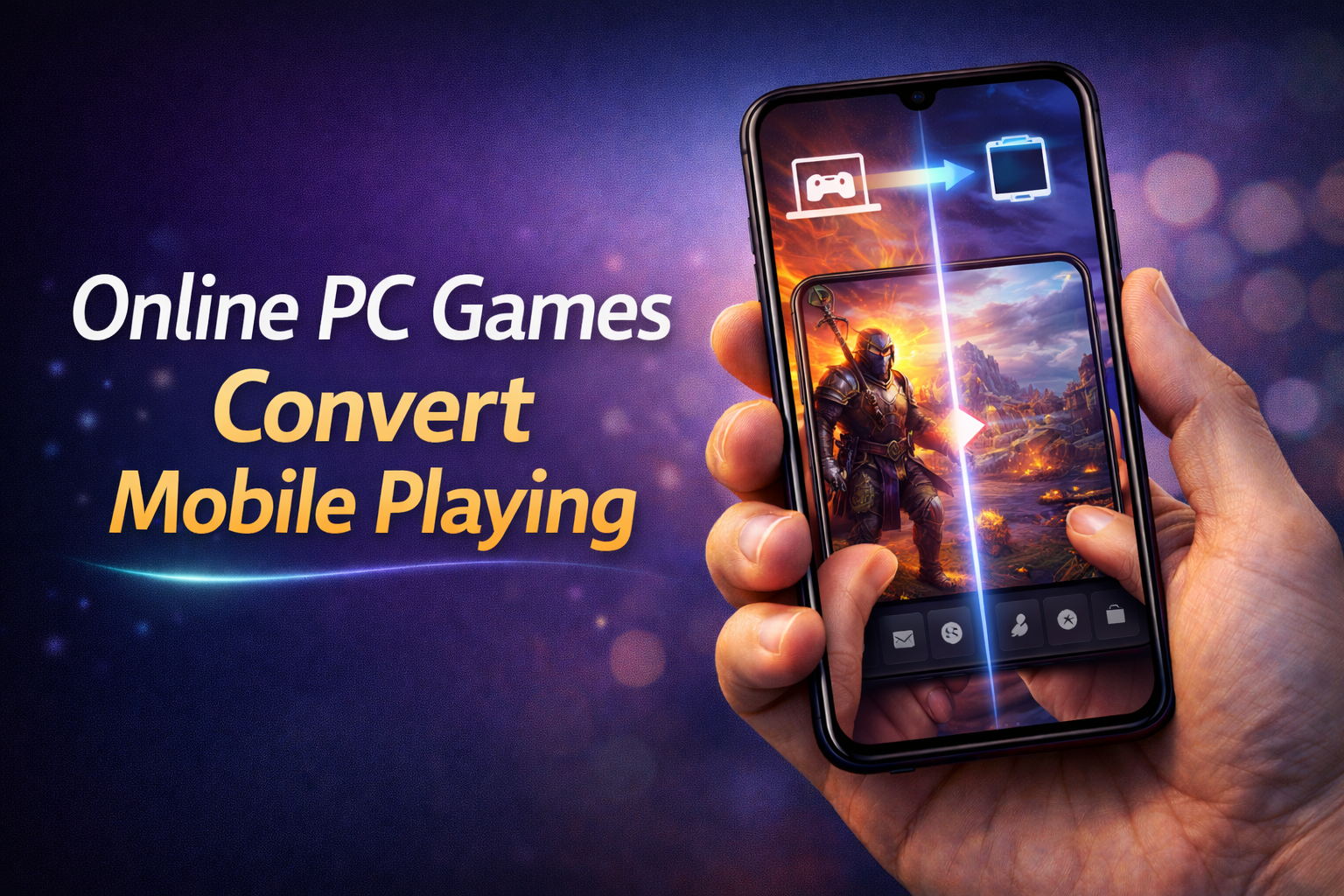
The idea of playing PC-level games on a mobile phone is no longer unrealistic. In 2026, technology has reached a point where users can access high-end PC games directly on their smartphones without needing powerful hardware. Instead of converting games in the traditional sense, modern solutions focus on streaming, cloud gaming, and remote access to deliver a full PC gaming experience on mobile devices.
Most people misunderstand this concept. You are not actually “converting” a PC game into a mobile app file. What you are doing is running the game on a powerful system and streaming it to your phone in real time. If you think you can directly install PC games like GTA V APK on mobile, that’s wrong and mostly fake or unsafe.
How PC Games Work on Mobile
There are two main methods that allow users to play PC games on mobile devices.
Cloud Gaming
Cloud gaming is the most popular and practical method. In this system, games run on remote servers with high-end hardware. Your mobile device simply receives the video stream and sends your inputs back to the server.
Platforms like NVIDIA GeForce NOW and Xbox Cloud Gaming allow users to play PC and console games directly on mobile browsers or apps.
Example 1: You can play a high-end game like Cyberpunk 2077 on your mobile using cloud gaming without installing it locally.
Example 2: A user can access their game library and play titles like Fortnite smoothly on a mid-range smartphone.
Remote Desktop Gaming
Another method is remote desktop access. Here, your own PC runs the game, and your mobile device connects to it.
Apps like Steam Link and Parsec let you stream your PC screen to your phone.
Example 1: You install a game on your home PC and control it using your mobile from another location.
Example 2: You can play your Steam library games on your phone while the PC handles all processing.
Why This Trend Is Growing
The demand for playing PC games on mobile is increasing because users want flexibility. Not everyone can sit in front of a PC all the time, and mobile access allows gaming anywhere.
Another major factor is hardware limitation. Most mobile phones cannot run heavy PC games natively, but cloud gaming removes this limitation completely.
Internet speed improvements, especially 5G and high-speed Wi-Fi, also make this experience smoother with less lag.
Requirements for Smooth Gameplay
If you want a good experience, you need to meet some basic requirements.
• Stable high-speed internet connection
• Low latency network (important for real-time control)
• Compatible mobile device
• Supported cloud gaming service or remote app
Example 1: A slow internet connection will cause lag and input delay, making games unplayable.
Example 2: A stable Wi-Fi connection can provide smooth gameplay even on mid-range devices.
Advantages of Playing PC Games on Mobile
This method provides several clear benefits.
You don’t need expensive gaming hardware. The processing happens on remote servers or your own PC.
You can play anywhere. As long as you have internet access, your games are available.
No large downloads are required on your phone, saving storage space.
Example 1: A user with a basic phone can still play high-end games through cloud services.
Example 2: You can continue your PC game progress while traveling without carrying your computer.
Limitations You Should Know
This is not a perfect solution, and you should understand the drawbacks.
Internet dependency is the biggest limitation. Without a strong connection, the experience becomes frustrating.
Latency can affect fast-paced games like shooting or racing games.
Not all games are supported on every platform.
Example 1: Competitive games may feel delayed due to input lag.
Example 2: Some region-based restrictions may limit access to certain services.
The concept behind playing PC games on mobile is simple. Instead of running the game directly on your phone, the game runs on a powerful remote server or your personal computer, and the video output is streamed to your device in real time. This means you don’t need a high-end gaming PC in your pocket. All you need is a stable internet connection and the right app to get started.
One of the most popular methods in 2026 is cloud gaming. Platforms like NVIDIA GeForce NOW have made it possible to stream PC games directly to Android devices. These services host games on powerful servers and allow users to play them without downloading or installing heavy files. You can simply log in, choose a game from your library, and start playing instantly. The biggest advantage of cloud gaming is that it eliminates hardware limitations, making even low-end smartphones capable of running high-quality games.
Another leading cloud gaming service is Xbox Cloud Gaming, which is part of Xbox Game Pass. This platform offers a vast library of games that can be played directly on your mobile device. It supports touch controls as well as external controllers, providing a console-like experience on your phone. The service is especially popular for its smooth performance and wide range of titles.
For users who already own a gaming PC, remote play is an excellent option. Apps like Steam Link allow you to stream games from your personal computer to your Android device. This method works by connecting your phone to your PC over the internet or a local network. Once connected, you can control your PC and play games as if you were sitting in front of it. The experience is highly responsive, especially when using a strong Wi-Fi connection.
Similarly, Moonlight Game Streaming is another powerful app that enables remote gaming. It uses NVIDIA’s GameStream technology to deliver high-quality streaming with low latency. This app is ideal for gamers who want more control over their streaming settings and prefer a customizable experience.
In addition to these methods, some apps provide hybrid solutions that combine cloud gaming and remote access. These platforms are designed to offer flexibility, allowing users to switch between playing on cloud servers and their own PCs. This ensures that you can continue your gaming session seamlessly, regardless of your location.
To get the best experience while playing PC games on mobile, there are a few important requirements to consider. First and foremost is a stable and fast internet connection. A minimum speed of 15 Mbps is recommended for smooth gameplay, but higher speeds will provide better quality and lower latency. Using a 5G network or a strong Wi-Fi connection can significantly improve performance.
Another important factor is using the right accessories. While touch controls are supported by many apps, using a Bluetooth controller can greatly enhance your gaming experience. Controllers provide better precision and comfort, especially for action and racing games. Many modern Android devices are compatible with popular controllers, making it easy to set up and start playing.
Device performance also plays a role, although not as much as it used to. Since most of the heavy processing is done on remote servers, even mid-range smartphones can handle cloud gaming efficiently. However, having a device with a good display and battery life will make your gaming sessions more enjoyable.
There are also some limitations to keep in mind. Latency, or delay, can affect gameplay, especially in fast-paced games like shooters or competitive multiplayer titles. This issue largely depends on your internet connection and the distance from the server. Additionally, some services require a subscription, which may not be suitable for all users.
Despite these challenges, the benefits of playing PC games on mobile far outweigh the drawbacks. The convenience of being able to play anywhere, combined with access to a vast library of games, makes this technology incredibly appealing. It also allows gamers to make better use of their existing PC setups without being tied to a single location.
In conclusion, playing PC games on mobile in 2026 is easier and more accessible than ever before. With options like cloud gaming services and remote play apps, Android users have multiple ways to enjoy their favorite games on the go. Whether you choose NVIDIA GeForce NOW for its powerful servers, Xbox Cloud Gaming for its extensive library, or Steam Link for streaming from your own PC, each method offers a unique and enjoyable experience. As technology continues to advance, the gap between PC and mobile gaming will continue to shrink, opening up even more possibilities for gamers around the world.
FAQs
Are controllers necessary?
They are not required, but using a controller improves the overall gaming experience significantly.
Can I play any PC game on my mobile?
Not all games are supported, but many popular titles are available on cloud gaming platforms or through remote play.
Do I need a gaming PC for cloud gaming?
No, cloud gaming runs games on remote servers, so you don’t need a personal gaming PC.
Is cloud gaming free?
Some platforms offer free versions, but most require a subscription for full access.
What internet speed is required?
At least 15 Mbps is recommended, but higher speeds provide better performance.
Can I play offline?
No, an internet connection is required for both cloud gaming and remote play.




