
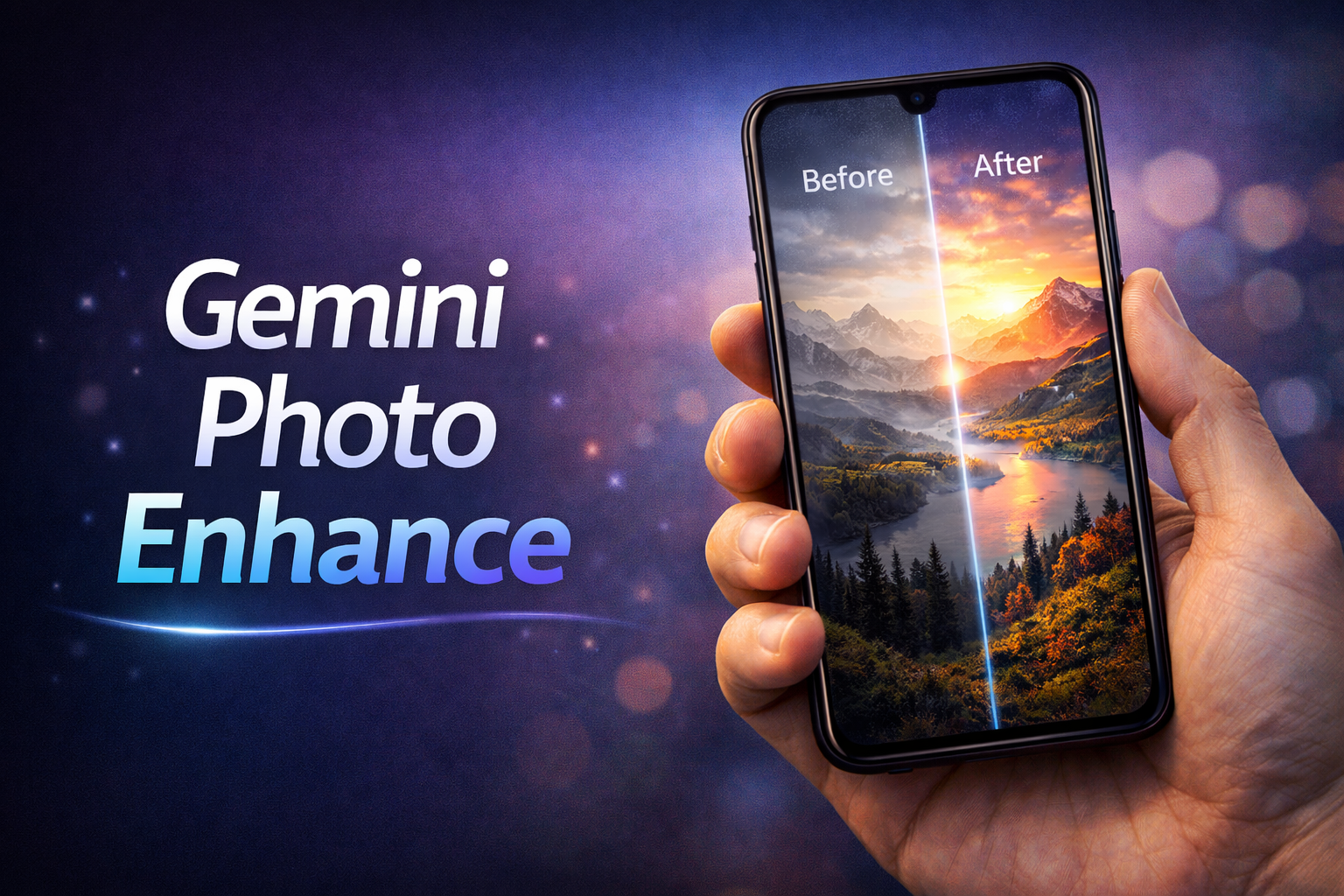
Photo quality enhancement has become one of the most demanded features in digital editing, especially with the rise of AI-powered tools. In 2026, Gemini AI is gaining attention for its ability to transform low-quality images into sharp, high-resolution visuals using advanced artificial intelligence. Instead of basic editing, it uses deep learning to understand image details and rebuild them intelligently.
Most low-quality photos suffer from blur, noise, low resolution, or poor lighting. Traditional editing tools could only adjust brightness or sharpness, but they often made the image look unnatural. Gemini AI changes this by analyzing patterns, textures, and objects in the image before enhancing them. The result is a cleaner, more realistic photo.
How Gemini Enhances Photo Quality
Gemini AI works differently compared to normal editing apps. It doesn’t just apply filters—it reconstructs missing details based on learned data.
AI upscaling is one of its strongest features. It increases image resolution without making it pixelated. For example, if you take a small or compressed image, Gemini can enlarge it while preserving clarity and sharpness.
Another major feature is noise reduction. Grainy photos taken in low light are automatically cleaned, removing unwanted particles while keeping important details intact. This is especially useful for night photos or older images.
Gemini also improves sharpness and edges. Blurry outlines become more defined, making objects in the image stand out clearly. It enhances textures like skin, fabric, or landscapes in a natural way.
Key Features of Gemini Photo Enhancement
Several features make Gemini stand out from basic editing tools.
• AI-based resolution enhancement for clearer images
• Automatic noise reduction for clean visuals
• Smart sharpening that avoids over-editing
• Color correction for natural tones
• One-click enhancement for quick results
These features allow even beginners to improve photos without needing technical knowledge.
Real World Use Cases
Gemini AI photo enhancement is useful in many practical situations.
Content creators use it to improve images for social media posts and thumbnails. High-quality visuals attract more engagement and make content look professional.
Another common use is restoring old photos. Many users enhance family pictures that are faded or blurry, bringing back lost details and improving clarity.
For example, a blurry selfie taken in low light can be enhanced to look sharp and well-lit. Similarly, an old scanned photo can be upgraded to a clearer and more detailed version.
Benefits of Using Gemini for Photo Quality
Using AI for photo enhancement provides several clear advantages.
First, it saves time. Instead of manually adjusting multiple settings, users can enhance images instantly.
Second, it improves accuracy. AI understands image structure better than manual editing, resulting in more natural outputs.
Third, it is beginner-friendly. Even users with no editing experience can achieve high-quality results with minimal effort.
Tips for Best Results
Even though Gemini AI is powerful, results depend on the input image quality to some extent.
• Use the highest available original image
• Avoid extremely compressed or damaged files
• Apply enhancement in moderation
• Combine with basic edits if needed
For example, enhancing a moderately blurry image gives excellent results, but extremely pixelated images may still have limitations.
In 2026, AI-powered image enhancement has become a cornerstone of digital creativity. Among the most popular tools for improving photo quality is Gemini AI, which allows users to transform ordinary images into stunning high-resolution masterpieces with minimal effort. Whether you are a professional photographer, graphic designer, or social media creator, understanding how to use Gemini AI effectively can dramatically improve your visual content.
The key to achieving exceptional results with Gemini AI lies in crafting precise prompts. A quality-enhancing prompt guides the AI to focus on important aspects such as resolution, detail, color accuracy, and texture. For instance, instead of a generic request like “enhance this photo,” you can provide a more detailed prompt: “Enhance this portrait to 8K resolution, preserve skin texture, sharpen details in eyes and hair, improve color vibrancy and lighting balance, realistic shadows.” Such specificity ensures that the AI produces a polished and professional output rather than a generic upscaled image.
Gemini AI supports various types of enhancements, including upscaling low-resolution images, restoring old or damaged photos, and refining fine details in textures or backgrounds. For example, you can take a 1080p image and upscale it to 8K while maintaining sharpness and clarity. The AI analyzes every pixel, intelligently adding details that make the image appear natural rather than artificially generated. This is especially useful for printing large-format images, creating promotional content, or preparing visuals for professional presentations.
Color enhancement is another powerful feature. Gemini AI can automatically adjust saturation, contrast, and brightness while preserving realistic skin tones and environmental colors. You can also guide the AI through your prompt by specifying the desired mood or style, such as “warm golden hour tones” or “cool cinematic blues.” This level of control allows creators to match the visual output to their artistic vision.
For portrait and fashion photography, Gemini AI excels at enhancing facial features, hair details, and clothing textures. By using prompts that highlight specific areas, such as “sharpen eyes, smooth skin gently without losing pores, enhance hair strands, retain natural highlights,” the resulting images maintain realism while appearing professionally retouched. Similarly, landscape photographers can use prompts like “increase depth, sharpen foliage and mountains, enhance water reflections, maintain natural sky tones” to elevate scenic shots.
Gemini AI also supports batch processing, allowing users to enhance multiple images with consistent quality. This is particularly useful for social media content creators or professional photographers who need to maintain a uniform style across a portfolio. By using standardized prompts, you can ensure every image meets high-resolution standards without manual adjustments for each one.
Another tip for creating effective prompts is to combine technical specifications with artistic instructions. For example: “Upscale to 8K, enhance texture details, adjust lighting for dramatic effect, maintain realistic shadows and highlights, cinematic look.” Combining both technical and creative guidance helps the AI produce visually stunning images that are ready for professional use.
It’s important to note that while Gemini AI is highly advanced, the quality of results depends on the input image and prompt clarity. High-quality source images yield better outcomes, and prompts should avoid vague instructions. Experimenting with prompt variations, adjusting detail levels, and specifying artistic intentions can help achieve optimal results.
In conclusion, Gemini AI has made it easier than ever to create high-resolution, visually striking images in 2026. By mastering the art of crafting detailed and precise prompts, users can enhance photo quality, restore old images, and produce professional-grade visuals with minimal effort. Whether for personal projects, social media, or professional portfolios, Gemini AI offers an effective and efficient solution for elevating your digital content.
FAQs
- What is Gemini AI?
Gemini AI is an AI-powered image enhancement tool that improves resolution, detail, and color quality of photos. - Can Gemini AI upscale images to 8K?
Yes, it can intelligently upscale images while maintaining realistic details. - Do I need high-quality input images?
Higher-quality source images yield better results, though Gemini AI can also enhance lower-resolution images. - Can I enhance multiple images at once?
Yes, Gemini AI supports batch processing with consistent quality. - How do I create effective prompts?
Be specific about resolution, details, lighting, and artistic style to guide the AI accurately. - Is it suitable for professional use?
Absolutely. Gemini AI produces high-resolution, realistic images suitable for portfolios, social media, and print.




