
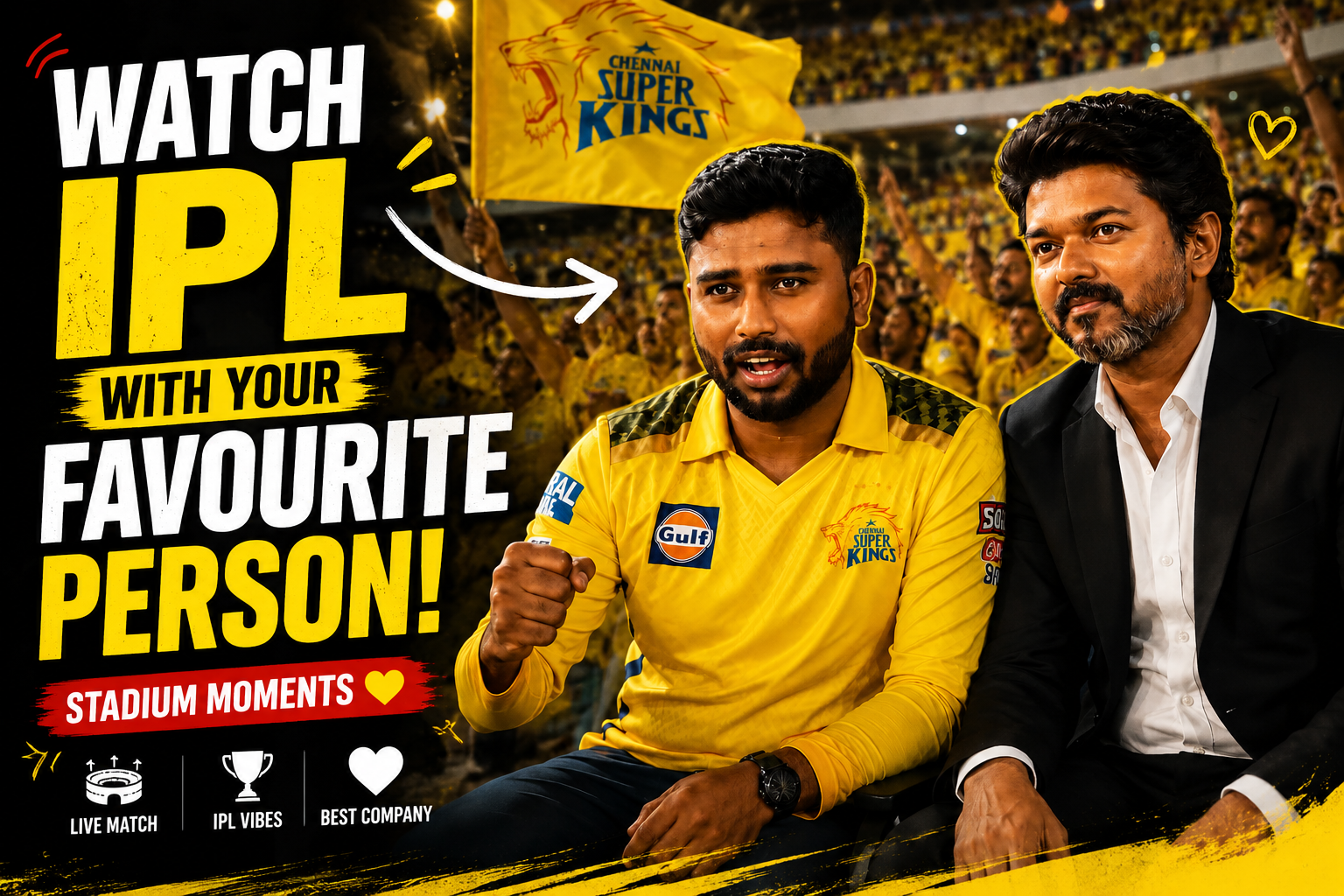
An IPL-themed fan video can combine an original reaction, commentary, illustration, animation, or fictional character with a cricket idea, but it does not automatically have permission to use match footage, broadcast audio, score graphics, team marks, player likenesses, film characters, songs, or sponsor branding.
Cropping, blurring, mirroring, shortening, adding a watermark, or placing a character over protected footage does not by itself create usage rights. Obtain a licence or use material you created and control; when relying on an exception such as criticism or commentary, get jurisdiction-specific advice for the actual use.
For a lower-risk concept, build the video around your own face or voice with consent, original cricket-inspired visuals, licensed stock, and a character you designed rather than a recognisable franchise character or real player. Do not imply IPL, team, broadcaster, sponsor, or celebrity endorsement.
The workflow below covers a rights inventory, vertical storyboard, original asset production, captions, licensed audio, synthetic-media disclosure, platform review, and documentation of licences before publication or monetisation.
Related Resource
The Prompt Link button opens a Google Docs resource. Review its source, sharing status, and claims before reuse. A prompt does not grant rights to IPL footage, logos, players, teams, sponsors, music, films, or characters, and it cannot guarantee monetisation approval.
Start with a rights and endorsement inventory
Before you create a stunning IPL video, you need to understand what sort of content sits in a safer zone. Official match footage is usually owned by broadcasters and leagues, so re uploading long raw clips with your logo is risky. Short moments used as part of commentary, reaction, or meme style edits are usually treated differently but platforms can still flag them.
A safer pattern is to focus on fan style content. For example, show your face cam, your AI avatar, or your favourite character in the main frame, then keep the actual match moment smaller, blurred, or stylized as background or overlaid animation. Use slow motion snapshots, silhouettes, or scoreboards instead of long clean broadcast clips.
On the character side, direct use of famous movie scenes can cause copyright issues as well. Many creators now use AI generated avatars that look like generic heroes, custom cartoon versions of themselves, or free 3D characters from legal asset stores. This gives you more freedom to scale your content without daily takedown stress.
Choose tools after choosing licensed assets
You can make a create stunning IPL video workflow almost fully on mobile. Below is a simple comparison of common app types. Always download from official app stores and check recent reviews because features and policies change by region.
| Tool type | Example apps | Best use | Key caution |
|---|---|---|---|
| Video editor | CapCut, VN, KineMaster | Cut clips, add text, transitions, sound | Free versions may export with watermark |
| AI avatar or face app | Reface style apps, Lensa, photo to avatar tools | Create your favourite character version of yourself | Upload only images you are comfortable sharing |
| Motion graphics | Alight Motion, Canva video | Scoreboards, intros, animated titles | Heavy projects can lag on low end phones |
| Audio and music | YouTube Audio Library, in app music | Safe background tracks and stings | Check license and platform music rules |
For fast results, pick one main video editor and learn it properly instead of hopping between 4 apps. Knowing where the crop, mask, keyframe, and speed controls live will speed up every new IPL clip you make.
Create an original cricket fan video step by step
Step 1: define commentary, audience, and rights
Do not start by opening the editor. First write a one line idea. Example, Virat hits a six and my superhero avatar does a victory pose or Rohit gets out and my anime character gives shocked expression. Keep the idea 5 to 10 seconds long. Shorter videos get better completion rates on reels.
Step 2: collect only owned or licensed assets
- Find a very short IPL moment from official highlights or legal clips and keep it under 3 to 4 seconds.
- Record your own reaction or download your AI avatar video export, such as your favourite character clapping or face changing.
- Optional, capture a stadium crowd shot, scoreboard animation, or text background.
Save all files in one folder on your phone so they are easy to import in the editor.
Step 3: build an original vertical composition
Open your editor and start a 9 by 16 project because reels and shorts want vertical format. Drag the IPL clip on the first track and trim it to the exact moment. Remove any silence before action. Then place your character video above it as a second layer.
Step 4: use an original or licensed character
Use scale and position controls so the character does not cover the main ball or bat. Place it in a corner or use split screen style. Now play the clip and match the character reaction to the shot. Most editors allow keyframes so you can move the character slightly when the ball is hit. This small motion makes the video feel more alive.
Step 5: add accurate text and licensed audio
Add short text in big bold fonts such as That six was unreal or My favourite character watching this over. Place text away from faces and score overlay. For sound, use either the original stadium audio at low volume or a copyright safe track with crowd effects. Avoid using random trending songs from unofficial sites because that damages monetization chances later.
Finally, add one or two simple effects only, for example a zoom in when the six happens, or a small flash behind the character. Too many filters can make the clip look cheap and laggy on older phones.
Two lower-risk original concepts
Example one, you create a superhero style avatar of yourself with an AI app. During an IPL match, you clip a six from a legal highlight source. In your edit, the avatar appears in the bottom left, crosses arms, and the screen shakes lightly when the ball goes into the crowd. Big white text reads My hero never misses a six in this stadium. This format is short, visual, and easy to understand even on mute.
Example two, you are an anime fan. You use a character maker to design a generic anime cricket fan with blue hair and jersey number that matches your city. You record a voice note saying Not again when your team loses a wicket. In the edit, the character does a facepalm at the exact frame when the batsman gets bowled. Many users relate to this pain and share it in fan groups.
Replace copied footage with an original visual explanation
Imagine a creator uploads a 25 second video where they mix random match highlights with a dancing cartoon character. Watch time is low and comments say it feels confusing. What went wrong here is no clear moment, character is not reacting to anything specific, and video is too long for that idea.
The fix is to pick only one event, for example a last ball four. Trim video to 7 seconds. Make the character stand still for 2 seconds then jump exactly as the ball crosses the rope. Add one clear caption such as Last ball nerves. In many similar channels this simple change boosted retention and made the same character format more shareable.
Rights, likeness, sponsorship, privacy, and disclosure
Do not download unknown APK files or cracked editors just to remove watermark. These often contain trackers or malware that slow your phone and risk your accounts. Use official app stores only. Inside AI avatar apps, avoid uploading photos of others without permission. Many tools share data with third parties as described in their privacy policy.
On the content rights side, keep your account identity as a fan creator, not as a replacement for official broadcast. Use more of your own footage, reactions, and AI characters so that the IPL moment becomes context, not the main asset. If a platform removes a clip, do not re upload the exact same segment again and again, move to a new idea.
Document rights before publishing
If you want to create a stunning IPL video that also shows your favourite character, focus on three things, short clear idea, legal and safe source clips, and clean sync between reaction and cricket moment. With one solid mobile editor, a reliable AI or avatar app, and some practice with timing, you can produce reels that feel polished even on a basic phone.
Aim to develop a repeatable template that fits your style. Maybe your character always appears from the left, or you always use score based captions. This consistency helps viewers recognise your work during the entire IPL season and beyond. Once the workflow is stable, you can safely experiment with longer edits, collabs, or even commentary style videos.
Common questions about cricket fan edits
Can I monetize IPL character videos on YouTube or Facebook
It depends on how much original value you add. Pure match clips are usually not eligible. Short edits where the focus is your commentary, character reactions, and original sound have a better chance. Always check the latest platform policy pages.
Which is the best app to create these videos
There is no single best app. CapCut and VN are popular for editing, while different AI avatar apps work for character creation. Pick tools that run smoothly on your phone and that you understand well.
Can I use official IPL logos with my character
Using big official logos and jerseys in thumbnails and overlays can trigger brand protection rules. Many creators use generic colors, custom jerseys, or text like cricket fever instead of direct league branding.
How long should my IPL character reel be
Try 6 to 12 seconds for reaction and meme style content. If you add voice explanation or story, you can go up to 30 or 40 seconds but keep the pacing tight.
Is it safe to show my face along with an AI character
Yes, if you are comfortable with it. Just remember that once uploaded, videos can be downloaded and shared. Avoid sharing sensitive background details like exact home location or visible private documents.
Thank you for reading. If you found this helpful, stay connected with our blog for more updates on tech tips, useful mobile apps, AI tools, and the latest creator focused news around video trends.




