
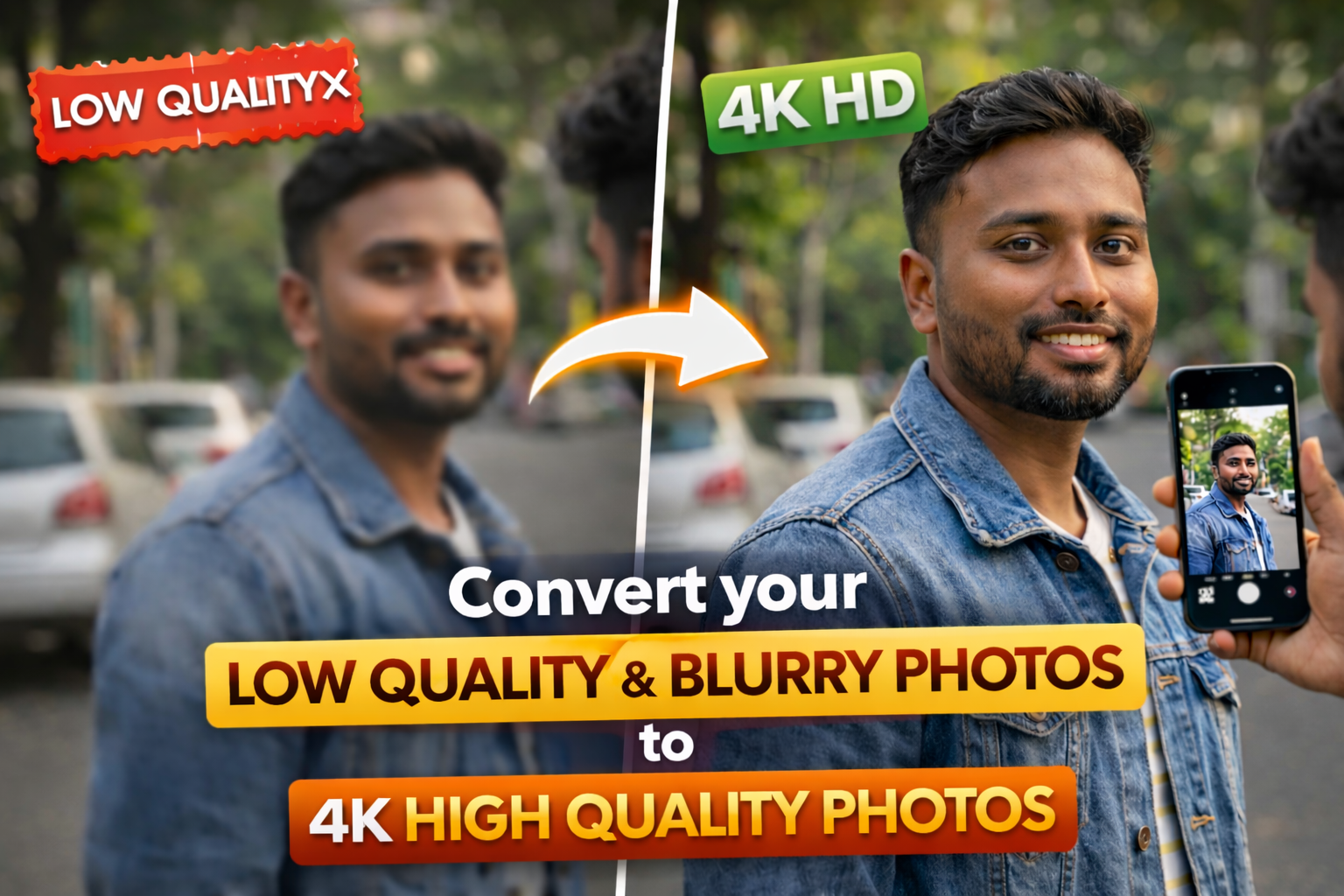
We all have some photos that we really like but feel a little disappointed when we look closely. Maybe the picture looks blurry, maybe the face is not clear, or maybe the details are missing. It could be an old photo taken on a basic phone, or maybe a picture that was shared many times and lost its quality. Still, those photos are special because they hold memories. That is why many people now want to improve them and make them look better.
In 2026, this has become much easier than before. You do not need to be a professional editor or use heavy software. With just a mobile phone and a few simple tools, you can improve your photos and make them look much clearer. The idea is not to make them perfect like a brand new camera shot, but to make them better than before so they feel fresh again.
Sometimes, when you see an old photo after improving it, it almost feels like you are seeing that moment again in a clearer way. Faces look sharper, colors look better, and the whole image feels more alive. This is why photo enhancement is becoming popular day by day.
Why Photos Lose Quality Over Time
Old Cameras and Low Resolution
Many photos that we have today were taken years ago. At that time, phones and cameras were not as advanced as they are now. They captured less detail, and the images were not very sharp. So when you look at them today, they feel soft or unclear.
Even if the photo looks fine at first, when you zoom in, you may notice that it becomes pixelated. This is because the image does not have enough detail to stay clear when enlarged.
Sharing Reduces Quality
Another common reason is sharing. When you send photos through messaging apps, they often reduce the file size to save data. This process lowers the quality. If the same image is shared again and again, the quality keeps dropping.
This is why a photo that once looked clear may now look dull and blurry.
Poor Lighting Conditions
Lighting plays a big role in how a photo looks. If a picture is taken in low light, it may appear grainy or unclear. Even if the moment is perfect, bad lighting can affect the final result.
Many older photos suffer from this problem, especially indoor or night pictures.
What 4K Quality Really Means
More Detail in Every Part
When people say 4K, they usually mean a very high level of detail. A 4K image has more pixels, which means it can show more information. This makes the image look sharper and clearer.
When you zoom into a 4K photo, it still looks smooth and detailed instead of breaking into pixels.
Better Colors and Clarity
High quality images also have better colors. They look more natural and balanced. Shadows and highlights are clearer, and the overall image feels more real.
A More Pleasant Viewing Experience
When a photo is clear and sharp, it is simply more enjoyable to look at. It feels closer to real life and more visually pleasing.
How You Can Improve Photo Quality Easily
Using Simple Mobile Apps
Today, many mobile apps can improve photo quality with just one tap. Apps like Remini and PicsArt are very popular.
You just open the app, upload your photo, and let the app do the work. It improves sharpness, reduces blur, and enhances details. The process is quick and does not require any special skills.
For beginners, this is the easiest way to start.
Using Online Tools
If you do not want to install apps, you can use online tools. Platforms like Let’s Enhance allow you to upload your image and improve it directly.
These tools use smart technology to increase resolution and clarity. They are simple and work well for basic needs.
Making Small Manual Adjustments
Sometimes, even small changes can improve a photo. Adjusting brightness can make the image clearer. Increasing contrast can add depth. Slight sharpening can improve details.
You do not need to over edit. Simple changes are often enough.
Why People Love Enhancing Old Photos
Bringing Back Old Memories
Old photos are very valuable because they capture moments that cannot be repeated. Improving their quality makes them feel new again.
It is like giving a fresh life to an old memory.
Sharing on Social Media
Clear photos look better when shared online. They attract more attention and feel more professional.
People like posting improved versions of their old pictures.
Better for Printing
If you want to print a photo, quality matters a lot. A high quality image will look much better when printed.
Blurry images do not print well, so improving them helps.
Things You Should Remember
Do Not Expect Magic
Not every photo can become perfect. If a photo is extremely blurry, it may not turn into a sharp image completely.
Tools can improve it, but they cannot create details that were never there.
Keep It Natural
Over editing can make photos look strange. Too much sharpness or color can feel unnatural.
It is always better to keep the photo looking real.
Start with the Best Version
If possible, use the original photo file. Better input gives better results.
Simple Tips for Better Results
Use Good Lighting When Taking Photos
If you are taking new photos, try to use good lighting. This will reduce the need for editing later.
Avoid Multiple Sharing
Try to keep your original photos safe. Avoid sending them too many times in compressed form.
Try Different Tools
Different apps give different results. Try a few and choose what you like.
Conclusion
In 2026, improving photo quality has become very easy and accessible. You do not need advanced skills or expensive tools. With just a few simple steps, you can turn your blurry or low quality photos into much better versions.
It is not about making everything perfect. It is about making your memories clearer and more enjoyable. Even a small improvement can make a big difference.
At the end of the day, photos are more than just images. They are moments from your life. Making them look better helps you relive those moments in a more beautiful way.
FAQs
Can I turn any blurry photo into 4K
You can improve most photos, but not all will become perfect 4K.
Which app is easiest to use
Remini is very simple and beginner friendly.
Do I need internet for enhancement
Yes, most tools need internet to process images.
Is it safe to use these apps
Yes, if you use trusted apps and websites.
Will editing damage my photo
No, if done properly, editing improves your photo quality.




