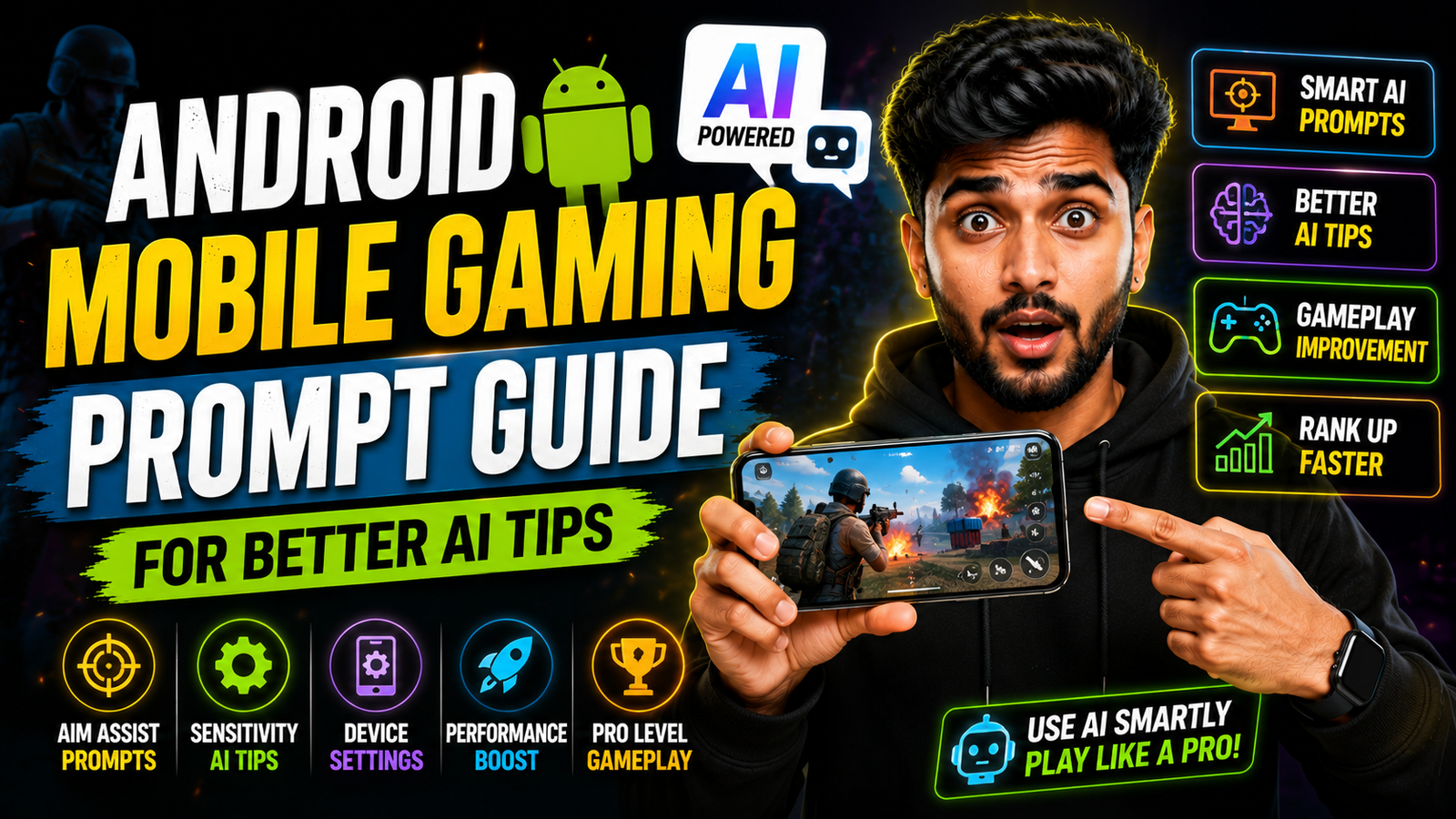
An AI assistant can suggest Android gaming checks only from the information supplied to it. A useful request identifies the phone model, Android version, game, exact symptom, when it occurs, current graphics settings, free storage, network type, and changes already tested.
Describe one problem at a time. “Frame rate drops after ten minutes on Wi-Fi” is more actionable than “make my game faster.” Ask for a reversible test plan and a way to measure the result instead of requesting hidden developer settings, modified game files, or a guaranteed performance boost.
Recommendations from ChatGPT, Gemini, Copilot, or another assistant can be outdated or unsuitable for a particular device. Verify menu names on the phone, back up important data, avoid sideloaded “booster” apps, and do not disable security or thermal protections.
The templates below cover lag, heat, battery drain, network delay, and control response while keeping the troubleshooting process specific, measurable, and safe.
Why device context changes the answer
AI tools only see what you type. If your prompt just says make my game smoother, the tool has to guess your hardware, game engine, graphics options, and even your internet conditions. That guess usually produces overused tips like close background apps or restart your phone which you already know.
A good Android mobile gaming prompt compresses the most important context. The game name, device model, Android version range, visible symptoms like frame drops or overheating, and what you are willing to change. This helps the AI filter out useless options like suggesting settings that do not exist on your phone.

Details to collect before asking for help
When you describe your problem, try to cover these parts in two or three short lines. You do not need long stories, just clear facts the model can work with.
External Resource
- Game name and mode, for example ranked BR in COD Mobile or career mode in Asphalt 9
- Phone model and rough age, like Poco X3 from 2021 or Samsung A52
- Android version if you know it, for instance Android 12
- Issue type, such as lag during team fights, frame drops when driving fast, or touch not registering
- Current graphics setting level, low, medium, high, ultra, 60 fps, 90 fps
- Network type, Wi Fi or mobile data, and if other apps lag too
- Limits, for example I do not want to root, no third party APK, avoid unsafe battery tweaks
These clues let the AI skip advice aimed at flagship phones or modded devices and instead suggest realistic changes you can try in a few minutes.
External Resource
This button opens a viewable Google Docs resource containing related prompt material. Review the destination and document-sharing status before copying anything; never include account passwords, recovery codes, payment information, or private identifiers in an AI prompt.

A reusable troubleshooting prompt
You can keep a simple template in your notes app and fill it before you ask any AI tool. Here is a text layout you can copy and adjust for each game.
Example structure without visible quotes:
- I play [game name] on [phone model] with [Android version if known].
- Current game settings are [graphics level], [frame rate], [resolution or style if available].
- The main problem is [describe when lag or issue happens and what you see].
- I use [Wi Fi or mobile data] with [approx speed or ping if known].
- Suggest safe changes inside the game settings and standard Android settings only, no root, no risky apps, no third party APKs.
- Give settings suggestions for low, medium, and high quality so I can test.
By adding the last line, you invite the AI to respond with structured options instead of one fixed answer that might not fit you.
Prompts for common Android gaming symptoms
Below are three ready to use prompts for typical issues. You can paste them into your AI app and just change the device and game names.
1. Battle royale lag on mid range phone
Prompt layout:
I play a battle royale game on a mid range Android phone (for example Redmi Note 10). During final circles, the game stutters badly when many players are close. Graphics are currently on high with 60 fps. Network is stable home Wi Fi. Suggest safe graphics and sensitivity settings, Android system tweaks, and simple habits like charging or cooling that can reduce lag without root or risky apps.
This style tells the AI where the lag appears, what you already tried, and what you consider safe.
2. Racing game overheating and battery drain
Prompt layout:
I play a heavy racing game on a Samsung A52 running Android 13. After 20 minutes the phone gets hot and battery drops very fast. I want a balance between visual quality and cooler temperature. Current settings are high graphics, 60 fps, with extra effects on. List three different settings profiles (performance, balance, battery saver) and basic Android options that might help like refresh rate or game booster, with pros and cons.
3. Shooter controls feel slow and unresponsive
Prompt layout:
I play a mobile shooter on a budget Android device. The main problem is slow camera turning and missed taps near the fire button. I use a 4 finger claw layout. Recommend changes to button size, placement, ADS and camera sensitivity, and any Android touch or accessibility settings that can improve response, keeping everything tournament safe and within normal game settings.
Request a measurable test plan
One strength of AI tools is that they can format information for easier testing. Instead of asking what is the best setting, ask for two or three profiles in a simple table that you can try in training mode. Here is the type of table you can request for a shooter or battle royale title.
| Profile | Graphics | Frame Rate | Shadows & Effects | When to use |
|---|---|---|---|---|
| Performance | Low | High or max | Off | Ranked matches, older phones, heavy team fights |
| Balanced | Medium | High | Medium | Daily play, mid range phones, mixed modes |
| Quality | High | Medium | High | Solo play, screenshots, short casual sessions |
Ask the AI to align this table to your exact game labels, because some titles use names like smooth or realistic instead of low and high. Small wording changes matter a lot when you are matching advice to the correct slider in your settings menu.
Worked example: diagnosing gradual frame drops
Imagine a user with a three year old Poco X3 running Android 12 who plays PUBG style games. They complain that the game was fine last year but now stutters badly after a recent game update. A weak prompt might just say PUBG lag fix on Poco which will bring very generic answers.
A stronger prompt for the same player would include that this started after a specific update, current in game preset, whether they use system game booster, storage level, and if other apps lag. The AI can then suggest clearing old cache inside the game, turning off some new post processing options, switching dynamic resolution to on, and using a balanced frame rate instead of forcing extreme.
If this user also adds a line asking for a 10 minute test plan, the model might propose three short training mode sessions, each with a different preset and a checklist of what to watch for such as average frame smoothness, touch delay, and heat on the back panel. That is much more actionable than one single setting tip.
Safety, privacy, and warranty checks
When you share details with an AI app, avoid posting personal data or full account screenshots. You rarely need your in game ID, email, or payment details to receive technical advice. Focus on device model, symptoms, and setting names only.
Also be careful with any suggestion that tells you to download modified APK files, bypass store checks, or change hidden system files. Those steps can break game terms or even cause account bans. You can tell the AI directly that you want options that respect store rules and game policies so the tool will avoid that direction.
A safer prompt-to-test workflow
A clear Android mobile gaming prompt turns a general chat bot into a targeted helper for your phone and games. By mentioning your device, Android version, exact game mode, and safety limits, you push the AI away from random theory and toward practical settings you can test in minutes.
Use the template in this guide, ask for profiles and tables instead of one magic answer, and always keep advice inside normal settings and official tools. Over a few sessions you will build a small library of prompts that you can reuse for each new game or after major updates, which saves time and often keeps your older Android phone playable for longer.
Common questions about AI gaming advice
How often should I update my Android gaming prompt?
Update it whenever you change phone, Android version, or when a big game update adds or renames graphics options. Fresh context leads to better tips.
Can AI prompts replace watching YouTube guides?
They can shorten your search, but they do not fully replace good video guides. Use AI to get a starting preset, then watch creators who play on similar devices to refine your settings.
Is it safe to follow every optimization the AI suggests?
No, always cross check risky ideas. Stick to in game sliders, normal Android settings, and official game booster tools. Ignore advice that involves root or unofficial APKs if you care about safety and account rules.
Which AI app is best for Android gaming tips?
Most major chat tools can help if you write clear prompts. The quality of your description matters more than the exact brand of AI for basic optimization advice.
Can I use the same prompt for iOS and Android?
You can reuse the structure, but keep system details separate. Mention clearly when you are on Android or iOS, since available options and menus are different.
Thank you for reading. If you found this useful, stay connected with our blog for more latest tech news, practical Android guides, helpful apps, AI tools, and gaming updates tailored for everyday users.