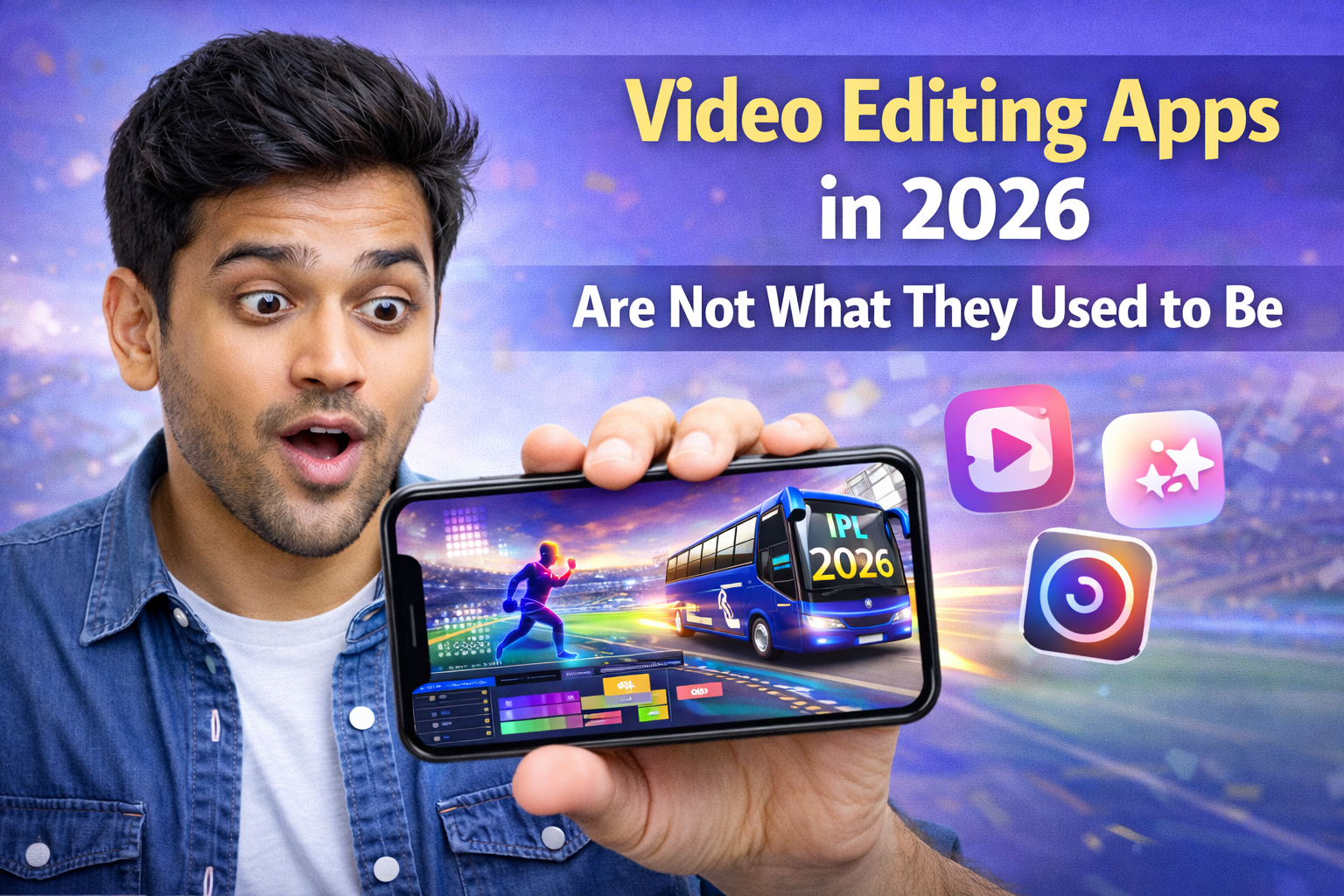
Hello this video editing app iam already using really fantastic and very good and some animations effects also next level once this app you can download and edit your videos really simple steps not for very hard of editing just easy to use…
If you still think video editing apps are only for cutting clips and adding filters, then you are already behind. Things have changed a lot. Now these apps are smart, fast, and they do half of the work for you. You don’t need big software or a computer anymore. A simple phone is enough if you know how to use the right app in the right way.
Today, apps like CapCut, VN Video Editor, Alight Motion, and KineMaster are leading the space. But just installing them is not enough. Most people download these apps and still don’t grow because they don’t use the features properly. The app is not the problem. The way you use it is.
What Makes a Video Editing App Actually Good
It Should Save Your Time
A good app should make your work faster, not harder. If you are spending hours doing basic editing, then you are doing something wrong.
- Auto captions save time instead of typing manually
- Ready templates help you create videos in minutes
Example
A creator using auto captions finishes editing in 15 minutes, while another person takes 1 hour typing everything manually
It Should Be Easy to Use
Complicated apps slow you down. Clean layout and simple controls help you focus on your content.
- Easy drag and drop editing
- Quick access to tools without confusion
Example
A beginner quickly edits a reel using simple tools, while another gets stuck trying to understand a complex interface
Best Video Editing Apps You Should Know
CapCut
CapCut is popular because it is fast and smart. It has AI features that help you edit quickly.
- Auto subtitles
- Beat sync editing
- Ready made templates
Example
You select a template and your video is ready in minutes
Another example is auto captions that save hours of work
VN Video Editor
VN is simple but powerful. It gives you more control without making things confusing.
- No watermark
- Advanced timeline editing
- Easy color presets
Example
You can apply a preset and get good color instantly
Another example is editing multiple clips smoothly without lag
Alight Motion
This app is for people who want advanced editing and animations.
- Motion graphics
- Keyframe animation
- Visual effects
Example
You create smooth text animations for reels
Another example is adding motion effects to make videos look professional
KineMaster
KineMaster is good for balanced editing. It is easy but also powerful.
- Multi layer editing
- Audio controls
- Chroma key support
Example
You can edit voice, music, and effects separately
Another example is removing background using green screen
Why Short Video Editing Style Is Winning
Attention Span Is Very Low
People scroll fast. If your video is slow, they will skip it.
- First two seconds are very important
- You need to grab attention quickly
Example
A fast starting video gets more views
A slow intro video gets ignored
Fast Editing Works Better
- Use quick cuts
- Add zoom and motion
- Keep things moving
Example
Jump cuts every one or two seconds keep viewers engaged
Another example is adding moving text to keep interest
Role of AI in Video Editing
AI Makes Everything Easier
AI is now a big part of editing. It saves time and improves quality.
- Auto background removal
- Voice enhancement
- Smart suggestions
Example
A low quality voice becomes clear using AI tools
Another example is automatic background change without green screen
But Don’t Depend Fully on AI
AI helps, but creativity still matters.
- Use AI for speed
- Use your ideas for uniqueness
Example
Two people use the same AI tool but only one creates engaging content
Another example is using AI captions but adding your own style
Common Mistakes People Make
Overediting
Too many effects make videos messy.
- Avoid too many transitions
- Keep it clean and simple
Example
Simple cuts look better than heavy effects
Another example is using minimal sound effects instead of too many
Ignoring Content Quality
Editing cannot fix bad content.
- Focus on idea first
- Editing should support the message
Example
A simple video with a strong message performs well
Another example is a fancy video failing because it has no value
Audio Editing Is More Important Than You Think
Good Audio Keeps People Watching
Bad audio makes people leave quickly.
- Clear voice
- Balanced background music
Example
Clean voice keeps viewers engaged
Another example is lowering music volume while speaking
Simple Audio Tips
- Use noise reduction
- Add light sound effects
Example
Removing background noise improves quality
Another example is adding small effects during transitions
How to Edit Videos Faster
Speed Matters More Than Perfection
You don’t need perfect videos. You need consistent uploads.
- Use templates
- Save presets
- Avoid overthinking
Example
Posting daily grows faster than posting once a week
Another example is using templates to save time
Simple Workflow
- Record your video
- Import into app
- Cut unwanted parts
- Add captions and music
- Export and upload
Example
A quick 20 minute workflow helps you stay consistent
Another example is editing multiple videos in one session
Tips to Make Better Videos
Focus on Basics First
- Good lighting
- Clear audio
- Simple editing
Example
Natural light improves video quality
Another example is using a mic for better sound
Keep Learning Trends
- Follow trending styles
- Use popular sounds
Example
Using trending audio increases reach
Another example is copying editing style from viral videos
Conclusion
Video editing apps in 2026 are powerful and easy to use, but most people still use them the wrong way. The real growth comes when you combine smart tools with simple ideas. Apps like CapCut, VN Video Editor, Alight Motion, and KineMaster can help you create great content, but only if you use them properly. Keep your editing clean, focus on your message, and upload regularly. That is what actually works.
FAQs
Which is the best video editing app for beginners
CapCut is best for beginners because it is simple and has ready templates
Can I edit professional videos on mobile
Yes, mobile apps are powerful enough if you use the right features
How long should I spend on editing
Keep it short and efficient. Around 15 to 30 minutes is enough for most videos
Is AI editing better than manual editing
AI saves time, but combining both gives better results
How can I improve my video quality
Focus on lighting, audio, and simple clean editing instead of heavy effects

Hi, I’m Dev Singh, the creator of Infobiofusion. I share simple and practical guides on mobile tools, online utilities, and useful tech tricks. I personally test tools on real devices and explain them in a clear, easy-to-follow way so you can quickly find what actually works.