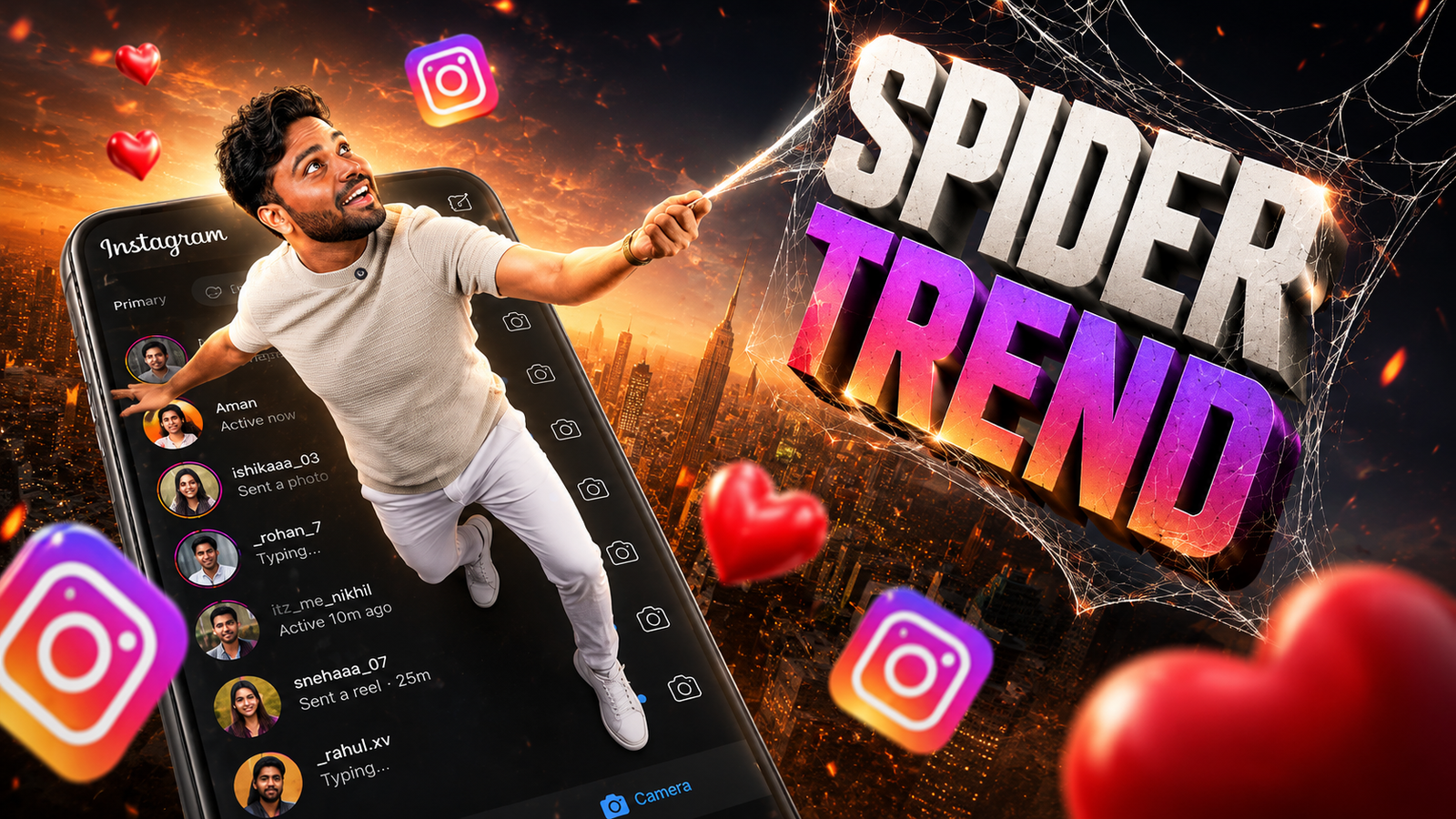
Spider-Man-inspired portraits usually combine a clear face photo with a costume layer, comic-style colour treatment, or an AI-generated superhero scene. A convincing result depends less on the number of effects and more on clean lighting, a suitable pose, and careful alignment around the face and shoulders.
There are two practical workflows. A template editor gives more control over masks, shadows, and background placement, while an AI image tool can create a result quickly but may alter facial features, hands, logos, or costume details. Choose the method based on how closely the final image must resemble the original person.
Before uploading a portrait, review the tool’s privacy terms and avoid images containing children, identity documents, addresses, school details, or other sensitive information. If an online editor does not explain how uploaded files are stored or deleted, use an offline editor or a less-sensitive sample image instead.
This guide covers photo preparation, template editing, AI generation, export settings, copyright limitations, and common visual errors. The result should be treated as fan-made artwork, not official Marvel or Spider-Man promotional material.
The existing button opens a third-party Telegram channel that may contain shared pictures or instructions. It is not an official Marvel resource. Check the channel identity and the specific file before downloading, and do not provide passwords, payment details, or unnecessary personal information.
What this photo trend usually includes
When people talk about Spiderman trend picture making online, they usually mean one of two things. Either they are turning their own selfie into a character wearing a spider suit, or they are adding comic style Spiderman effects text bubbles or city backgrounds to a normal photo. Most of the time this is done for social media stories, reels covers, or profile photos.
The trend comes and goes with new movies or animated series, so templates change over time. Some platforms keep updating their layouts with fresh posters, multiverse themes, or neon city scenes. Because of that, it is smart to learn the core steps, not just follow one exact template that might disappear after a few months.
Choose between template editing and AI generation
You have three main categories of tools to make these edits without learning professional software. Each has its own benefits and limits, and what works best for you will depend on your connection speed, phone storage, and how much control you want.
Official App Listing
| Tool Type | Examples | Main Benefit | Main Drawback |
|---|---|---|---|
| Online photo editors | Canva, Photopea, Pixlr | Run in browser, good for layers and templates | Need stable internet and bigger screen works better |
| Template based apps | Poster maker, story template apps | Ready made Spiderman style layouts, fast results | Less freedom and some templates locked behind paywall |
| AI avatar or filter apps | AI art apps, face filter apps | One tap transformation, auto costume and background | Mixed quality, privacy concerns, heavy ads |
Because app names and features change quickly, it is safer to search in your app store for terms like superhero photo editor, comic avatar or AI hero picture and then read recent reviews. Avoid apps with very few downloads or no clear privacy description. Big brands usually handle data more carefully, but always treat portrait uploads as sensitive.
Prepare a photo that is easier to edit
The base photo decides 70 percent of your final look. A weak selfie with bad light will stay weak even with the best template. Try to capture a straight or slightly angled portrait with your face clearly visible. Avoid heavy shadows on half of your face. Natural window light in daytime usually works better than harsh ceiling light.
Wear a plain T shirt without busy text. If you plan to let AI add a suit or mask, keep your hair and face free from big accessories. If you want a full body Spiderman look, ask someone to shoot a vertical photo where your whole body fits inside the frame, leaving some empty space above your head and below your feet for cropping.
Manual template workflow
This workflow suits users who want more control and do not fully trust AI apps. You can use a browser editor like Canva or Pixlr for this.
Step 1: Find a safe template
Search inside the editor for superhero poster, comic city or similar keywords. Some platforms avoid direct brand names for copyright reasons, so look for red and blue themed suits, web backgrounds, or city skyline designs that hint at Spiderman without using official logos.
Step 2: Remove your background
Upload your photo, then hit the background remover if available. Free plans often have limited cuts, so double check before you waste them. If your tool has no background erase button, use the eraser tool manually around your outline. Zoom in when trimming near hair or shoulders to avoid jagged edges.
Step 3: Place and match the style
Drag your cutout onto the chosen poster. Resize and position it where the original character or empty space is. Adjust brightness, contrast, and saturation slightly, so your skin tone and light match the background. Add subtle comic filters or halftone textures if offered, but avoid overdoing them, or your face will look muddy.
AI image workflow and its limitations
If you prefer the quick method, several AI apps can auto generate hero themed looks. The trade off is that you depend on their templates and have less control over small details.
Step 1: Install from official store only
Search in Google Play or Apple App Store for AI comic avatar or superhero AI photo. Open the listing and scroll reviews. Check recent comments about watermarks, paywalls, or crashes. Do not sideload APKs from random sites because photo apps request camera and storage permission, which can be abused.
Step 2: Pick a clear face shot
Most AI models work best with a single face directly facing the camera. Group photos or side profiles often confuse the app. Upload one portrait and follow the on screen instructions. Some apps ask you to train with multiple selfies, which takes longer but can give more accurate results.
Step 3: Select the Spiderman style pack
Look for themes with spider web patterns, red and blue suits, or city rooftops at night. These may use generic names like Urban hero or Web city for legal reasons. Select two or three styles and run the generation. Free versions often place a watermark or low resolution cap, so decide if that is acceptable for your planned use.
Common results and visual mistakes
Example one, a student wants a fun WhatsApp display photo before a new movie release. He uses a free browser editor, uploads a plain background selfie, removes the background, and drops it into a comic city template. After a few tweaks in brightness and a small web sticker near his shoulder, he exports a square 1080 by 1080 image that looks sharp on mobile screens.
Example two, a content creator on Instagram needs a quick thumbnail for a reaction video. She opens a mobile AI avatar app, uploads a selfie, chooses a multiverse hero preset, and gets five variations in under a minute. She picks the best one, then uses a separate text app to add bold title text above the head for clarity in the feed.
As a short case study, imagine a small meme page that wants to create a series of Spiderman trend pictures for different local jokes. Instead of generating everything in one AI app and posting raw outputs, they build a mini workflow. First, they make clean cutout portraits of each admin in a browser editor and save them with transparent backgrounds. Next, they design three base posters with empty spaces where characters will stand. Over time they drag different faces into the same posters, change captions, and keep a consistent style across dozens of posts. This reduces effort and creates a recognizable brand look.
Privacy, copyright, and source checks
Whenever you upload your selfie to an online tool, you are trusting that service with your biometric data. Read at least the short privacy summary and look for clear statements about how long photos are stored. Avoid apps that demand account creation before even showing what they do.
Spiderman is a protected character, so using official logos or movie posters for commercial products can be risky. For casual social posts, fan art is usually tolerated, but every platform has its own rules. When possible, use generic comic elements or templates clearly marked for free personal use by the editor or creator.
A practical workflow to choose
Spiderman trend picture making online is less about magic tools and more about a simple, repeatable workflow. Start with a strong base photo, choose a trusted editor or AI app, and take a few extra minutes to match lighting and colors. Avoid random downloads and low quality templates that stretch or blur your face.
If you enjoy more control, use manual templates in browser editors and build your own mini library of backgrounds and cutouts. If you want pure speed, pick an AI app with honest reviews and be ready to accept some watermarks and imperfect details. In both cases, keep privacy in mind and stay inside fair use for fan style content.
The next step is to try one method today, save your favorite settings, and refine from there. After two or three attempts, you will have a personal Spiderman style look that you can reuse whenever the trend returns.
Common questions about superhero-style portraits
Can I create a Spiderman style picture for free
Yes, many browser editors and mobile apps offer free templates or trials. You may see watermarks, ads, or resolution limits, but it is usually enough for personal social posts.
Which is better, AI apps or manual editing
AI apps are faster and easier for beginners, but manual editing gives you more control and cleaner results when you learn the basics. Try both and see which matches your patience level.
Is it safe to upload my selfie to these tools
Safety depends on the app or site. Use official stores, read reviews, and check privacy notes. Avoid unknown sites that ask for extra permissions or look full of aggressive pop ups.
Can I use these pictures for commercial projects
Using a Spiderman style character in paid products can cause copyright issues. For business use, pick generic superhero designs or buy proper licensed art from trusted marketplaces.
What image size should I export for social media
For square posts, 1080 by 1080 pixels works well. For vertical stories or reels covers, 1080 by 1920 is common. Many editors have presets for these sizes in the export options.
Thank you for reading this guide on Spiderman style picture making. Stay connected with our blog for more tech tips, useful apps, AI tools, and the latest digital trends that you can try at home.