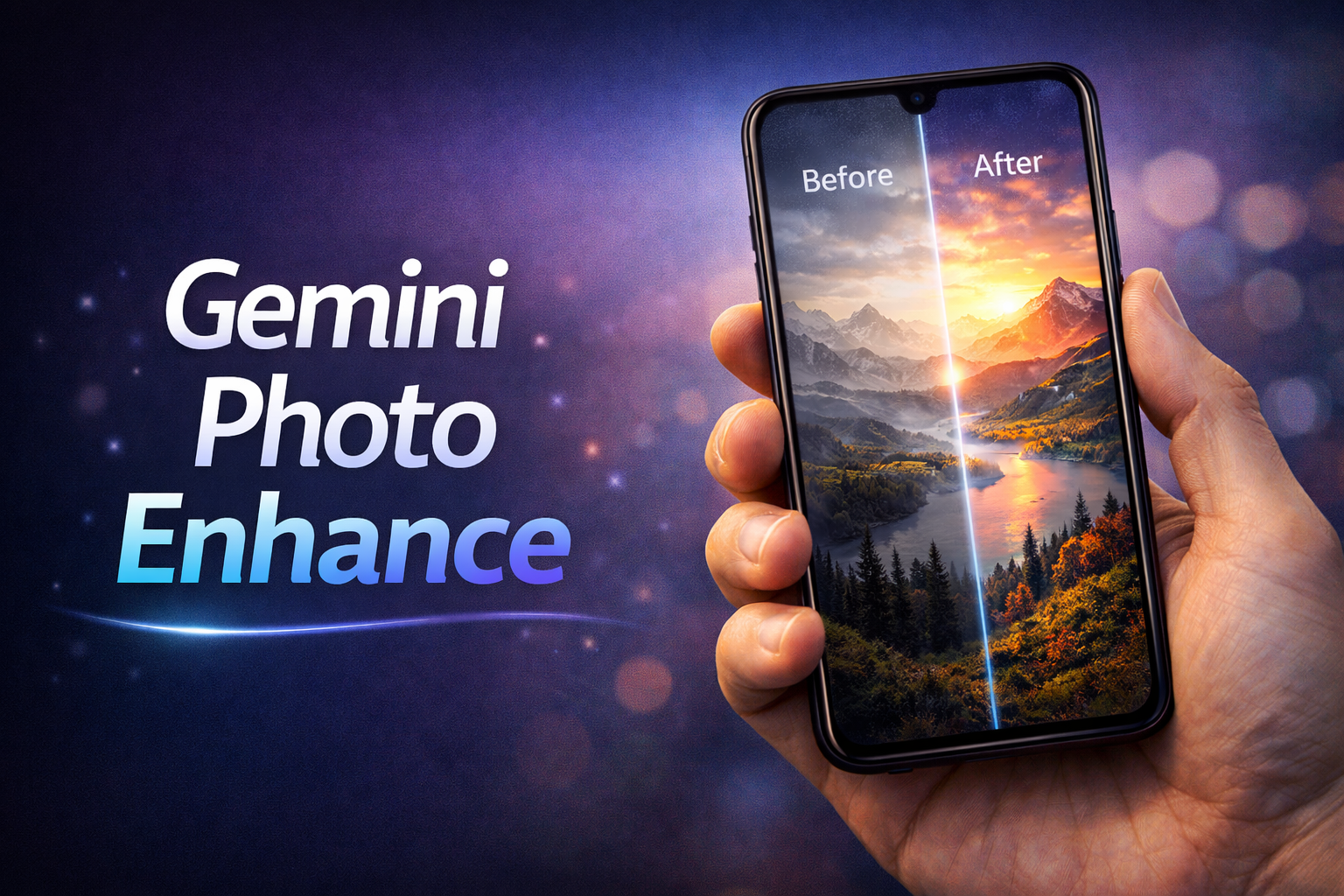
High-resolution images have become a necessity in today’s digital age. Whether you are preparing content for social media, creating professional presentations, printing photographs, or working on personal projects, having clear and sharp images is crucial. Low-quality images can reduce the impact of your work and create a less professional impression. The good news is that you no longer need expensive software or advanced graphic design skills to improve your photos.
Thanks to modern AI-powered tools, you can easily enhance image quality online and even upscale them to 4K resolution while maintaining clarity and color accuracy. These tools are user-friendly and, in many cases, completely free to use. In this guide, we will explore how to enhance your photos online, step by step, so that even beginners can achieve professional-looking results.
Understanding Image Resolution and 4K Quality
Before diving into the process, it’s important to understand what image resolution and 4K quality mean. Image resolution refers to the number of pixels in an image. A higher resolution means more pixels, which translates to more detail and clarity. 4K resolution specifically refers to a display or image resolution of 3840 × 2160 pixels. Images at this resolution look incredibly sharp, even on large screens or printed materials.
Low-resolution images, on the other hand, often appear blurry or pixelated when enlarged. Using AI-powered upscaling tools, you can convert standard images to 4K resolution without losing quality, effectively enhancing both the visual appeal and usability of your photos.
Choosing the Right Online Image Upscaler
There are numerous online platforms that allow you to enhance and upscale images for free. Choosing a reliable tool is essential to get the best results. Some popular options include Let’s Enhance, which uses AI to automatically improve image sharpness, color, and resolution, offering a free tier for casual users. Fotor is another great tool that provides free photo upscaling and enhancement features, making it easy to turn ordinary photos into professional-quality visuals.
UpscalePics allows users to increase image resolution without losing quality and supports various file formats. DeepAI Image Upscaler offers a quick and simple AI-powered solution that can enhance images in just a few clicks. These platforms vary slightly in features, but all focus on improving image clarity and maintaining natural colors while increasing resolution.
How to Upload Your Photo for Enhancement
Once you have selected an online image upscaler, the next step is to upload your photo. The process is simple and usually requires only a few steps. Visit the website of your chosen tool and look for options labeled “Upload Photo” or “Choose File.” Click the button and select the image from your device. Most platforms support common image formats like JPEG, PNG, or BMP. Depending on the tool, you may also be able to drag and drop your photo directly onto the upload area. It is recommended to start with the highest-quality version of your image available, as AI tools produce the best results when working with clearer originals. Images that are extremely compressed or blurry may not upscale as well, though AI can still improve them significantly.
Setting the Output Resolution to 4K
After uploading the photo, you need to specify the output resolution. Most AI-based platforms allow users to select the target resolution, often providing options for standard resolutions such as 1080p, 2K, or 4K. To achieve the best results, choose 3840 × 2160 pixels for 4K quality.
Some tools also offer auto-enhancement features that optimize not only the resolution but also the sharpness, color balance, and details of your image. These automated features are especially useful for users who do not want to manually adjust settings. AI algorithms can detect edges, textures, and facial features, enhancing the overall look of your photo while avoiding unnatural artifacts.
Enhancing the Image with AI
Once the output resolution is set, click the “Enhance” or “Upscale” button to begin the process. The AI algorithm will analyze your image, improve clarity, reduce noise, sharpen edges, and upscale the resolution to 4K. Depending on the size of the image and the tool’s processing speed, this can take anywhere from a few seconds to a couple of minutes. During this process, AI identifies areas that require improvement, such as blurred edges, low-contrast regions, or faded colors, and adjusts them intelligently. The result is a significantly enhanced image that looks professional and clear, even when displayed on large screens or printed at high resolutions.
Downloading Your Enhanced 4K Photo
After the enhancement is complete, most platforms will allow you to preview the image before downloading. Carefully review the output to ensure that it meets your expectations. Look for improved sharpness, accurate colors, and natural textures.
satisfied, download the image in 4K resolution. Some tools may require you to create a free account before downloading, but many allow immediate downloads. Save the enhanced image in a format that preserves quality, such as PNG or high-quality JPEG, to ensure it remains sharp and vibrant for future use.
Tips for Achieving the Best Results
While AI tools are powerful, there are some best practices to maximize the quality of your enhanced images. Firstly, always start with the highest-quality source image available. Even though AI can improve low-resolution images, starting with a clearer original will produce better results. Avoid using heavily compressed files, as they may contain artifacts that are difficult for AI to correct. After enhancement, check the image’s color and contrast, as minor adjustments in brightness or color balance can make a big difference. Additionally, some AI platforms allow selective enhancement, where you can adjust specific areas of the image, such as facial features or background details, for a more refined outcome.
Common Uses of Enhanced 4K Images
Enhanced 4K images can be used in a variety of contexts. For social media, they help your content stand out with sharp and professional visuals. In professional presentations, high-resolution images convey quality and attention to detail. For printing purposes, 4K resolution ensures that images remain clear even when enlarged. Photographers, graphic designers, and content creators can also benefit from AI-enhanced images by reducing the need for expensive equipment or complex editing software. Overall, upscaling images to 4K opens up numerous possibilities for both personal and professional use.
Advantages of Using Online AI-Based Tools
One of the key benefits of using online AI-based upscalers is accessibility. You don’t need to install heavy software or invest in expensive photo editing tools. Most platforms are free or offer a free tier sufficient for occasional use. They also simplify the process with automated enhancements, reducing the learning curve for beginners. AI-based tools are fast, often completing enhancements in seconds, and can handle various image types and resolutions. They are also platform-independent, meaning you can use them from any device with an internet connection, whether it’s a laptop, tablet, or smartphone.
Conclusion
Enhancing photo quality up to 4K resolution online for free has become more accessible than ever, thanks to AI-powered tools. By following a few simple steps, anyone can transform low-resolution or blurry images into sharp, high-quality visuals suitable for professional or personal projects. From uploading your photo to selecting the desired resolution, letting AI enhance your image, and finally downloading the improved version, the process is straightforward and effective. With the availability of free tools, creating professional-grade images no longer requires expensive software or advanced technical knowledge. By leveraging these technologies, you can ensure that your images make a strong visual impact, whether online or in print.
Frequently Asked Questions (FAQs)
1. Can I really enhance any photo to 4K quality for free?
Yes, many online AI-based tools allow free enhancement up to 4K resolution. However, very low-quality images may not look perfect, though AI can still significantly improve them.
2. Do I need to create an account to use these tools?
Some platforms require free account registration for downloading enhanced images, while others allow direct downloads.
3. Will enhancing an image affect its colors or details?
AI tools aim to preserve natural colors and textures while enhancing sharpness and resolution. Minor adjustments may be necessary afterward.
4. Which file formats are supported for enhancement?
Most tools accept JPEG, PNG, and BMP files. PNG is recommended for maintaining higher quality.
5. Are online image upscalers safe to use?
Reputable AI upscalers are safe and do not store images permanently. Always use trusted platforms to protect privacy.
6. Can I enhance multiple images at once?
Some platforms offer batch processing for multiple images, while others only support single uploads at a time.

Hi, I’m Dev Singh, the creator of Infobiofusion. I share simple and practical guides on mobile tools, online utilities, and useful tech tricks. I personally test tools on real devices and explain them in a clear, easy-to-follow way so you can quickly find what actually works.