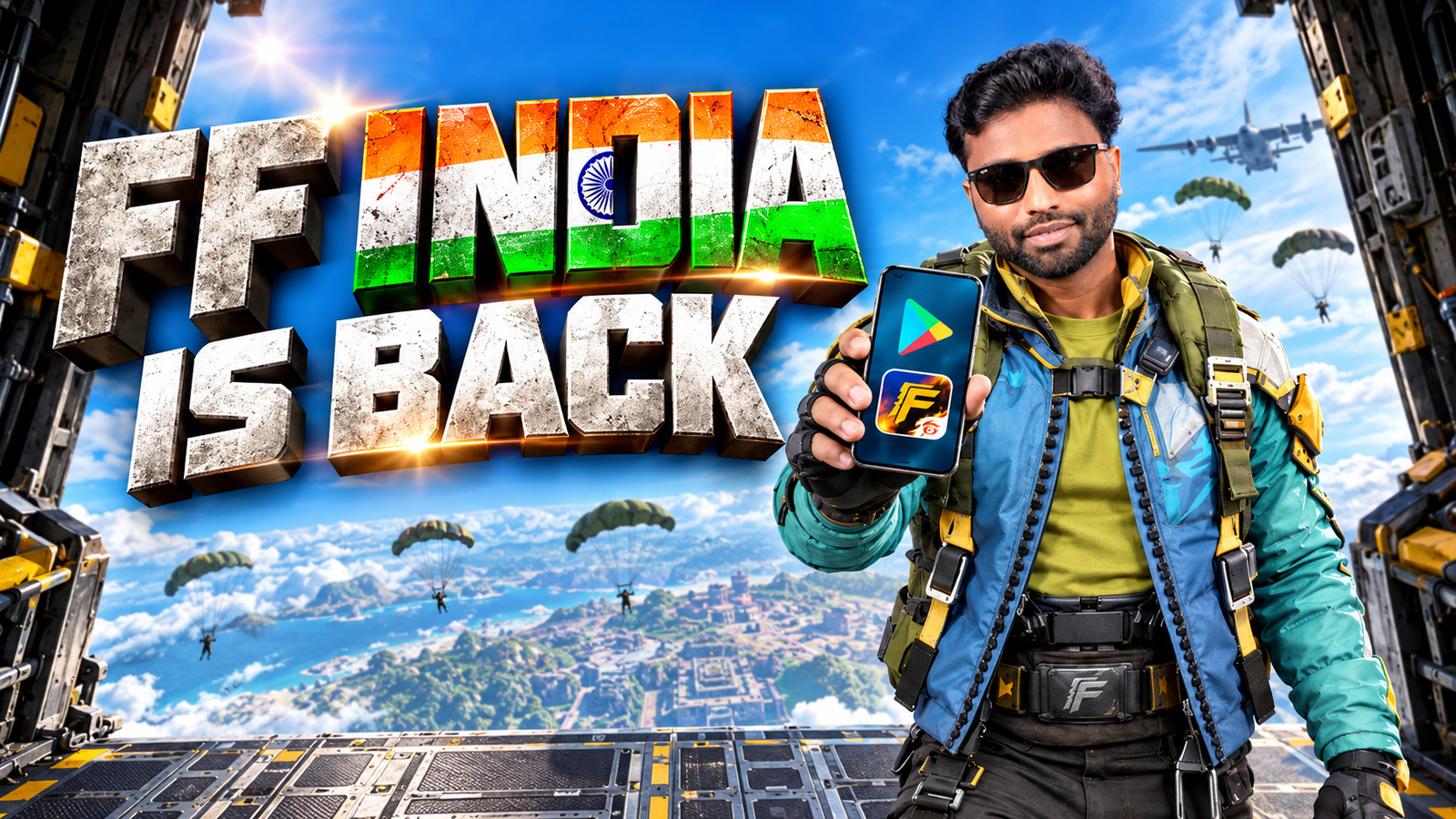
Search results full of Free Fire now in online website promises are usually not telling you the full story. Some pages claim you can click a button and start playing Free Fire instantly in your browser. That’s not how the official game works, and following those links can be risky.
This guide walks through what is actually possible, the legitimate ways to play Garena Free Fire on PC, and the red flags to avoid.
1. Can You Really Play Free Fire Directly in a Browser?
Short answer: there is no official, full Free Fire version that runs purely in a web browser like a casual HTML5 game.
Common misleading claims you’ll see:
- Play Free Fire now on website without download usually fake or a clone game.
- Free Fire online browser edition often an ad heavy page, survey, or unrelated mini game.
- Instant Free Fire emulator in browser can be risky; often requires shady extensions or downloads.
Free Fire is a relatively heavy battle royale title that requires a full Android environment or mobile OS. Right now, you either play it on:
- An Android phone or tablet (official app).
- Compatible iOS devices (where available).
- A PC using an Android emulator (official game, but running via emulator software).
Any site claiming no download at all for the main Free Fire game should be treated with caution.
2. Safe, Official Ways to Access Free Fire
Before we look at playing on PC, it’s worth recapping the only safe starting points:
- Official Android app stores typically Google Play Store or other regionally authorized stores.
- Official iOS App Store listing in regions where the game is supported on iPhone and iPad.
- Official Garena communications announcements about platform support or PC clients will normally appear on their verified website or social channels.
Avoid:
- Unofficial APK mirrors, modded versions, or hacked clients.
- Websites offering Free Fire premium or unlimited diamonds in browser.
- Browser plugins that claim to inject cheats or let you stream the game for free.
These can lead to malware, stolen accounts, or permanent bans.
3. How to Play Free Fire on PC Using an Emulator
The realistic way to get a Free Fire online website feel is to run the mobile game on your PC using an Android emulator. You still download software, but you get the big screen experience and keyboard/mouse controls.
Important: Different emulators and control methods may or may not align with Garena’s terms. Always check the latest rules; emulator support and detection can change over time.
Step 1: Choose a Reputable Emulator
Popular Android emulators include:
- Gaming focused emulators that highlight battle royale performance.
- More general purpose emulators that support various apps and games.
When evaluating an emulator:
- Download only from the official emulator website.
- Avoid repacked or lite cracked builds from third party download sites.
- Read recent user feedback about performance and safety.
Step 2: Install the Emulator and Sign In
- Install the emulator on your Windows or macOS device following its setup wizard.
- Open it and sign in with your Google account inside the emulator to access the Play Store (if supported in your region).
- Adjust the emulator’s performance settings:
- Allocate reasonable RAM and CPU cores (don’t max them out on low end PCs).
- Set resolution to something your GPU can handle, such as 720p or 1080p.
If your PC is old or has integrated graphics, keep expectations realistic; battle royale games are demanding.
Step 3: Install Free Fire from an Official Store
- Open the Play Store (or approved store) within the emulator.
- Search for Garena Free Fire and verify:
- Correct publisher name.
- High download count and ratings.
- Matching icon and description from Garena.
- Install the game and wait for assets to download.
Step 4: Configure Controls and Graphics
Once Free Fire launches in the emulator:
- Key mapping: Use the emulator’s key mapping tool to bind movement, aiming, shooting, and inventory to your keyboard and mouse.
- Graphics settings: In the game settings, start with Balanced or Standard graphics, then increase gradually if the frame rate is stable.
- Sensitivity: Tweak mouse sensitivity so aiming feels natural; emulators often need extra fine tuning.
Emulator control schemes may give different handling than touchscreen, and some players may prefer one over the other depending on experience and rules in their region.
4. Why So Many Free Fire Online Website Pages Are Dangerous
Many low quality sites try to capture search traffic with phrases like Free Fire now in online website and then funnel users into unsafe actions. Common tricks:
- Fake play buttons: Click them and you’re redirected through multiple ad networks or asked to install random browser extensions.
- Survey walls: You’re told to verify you’re human by filling in offers, which can collect personal data.
- Phishing logins: Pages that imitate official portals and ask for your game or platform credentials.
- Malware disguised as launchers: A small launcher file that actually installs adware or worse.
Red flags to watch:
- URL doesn’t resemble any official Garena or well known platform domain.
- The site asks for your game login directly instead of redirecting to a trusted provider’s login page.
- Promises of cheats, unlimited diamonds, or rare skins just for playing in browser.
5. Tips to Keep Your Account and Device Safe
When experimenting with PC play or any online solution, a few habits reduce risk:
- Enable two factor authentication (if the platform supports it) on the account you use for Free Fire.
- Never share OTPs or verification codes with anyone claiming to be support on Discord, WhatsApp, or social media.
- Use antivirus software on your PC and run a scan after installing new gaming tools.
- Keep emulator and drivers updated to patch security issues and improve performance.
- Avoid using your main work laptop as a test bed for unknown game utilities or shady browser extensions.
For deeper privacy and security coverage, you can also check general Android app safety guides or PC hardening tips on your tech site, then link internally from this section.
6. Common Mistakes When Trying to Play Free Fire on PC
- Trusting the first play in browser link: Often leads to a time sink or security issues.
- Using outdated or overloaded hardware: Old dual core CPUs and 4 GB RAM machines struggle to run emulators smoothly, making the game feel laggy.
- Installing multiple emulators at once: They can conflict, fight for resources, and slow your system.
- Ignoring account safety: Logging in on random shared PCs or cybercafés without signing out.
- Chasing mods and cheats: Even if they work initially, they risk bans and usually violate terms of use.
7. Quick FAQ
Is there an official Free Fire browser version?
No. At the time of writing, there is no official browser only version of the full Free Fire game. Any site claiming this should be checked carefully.
Is playing Free Fire on emulator allowed?
Support for emulators and specific control methods can vary by region and over time. Check the latest Garena rules and announcements, and avoid any emulator that includes built in cheats or scripts.
Do I need a powerful PC for Free Fire on emulator?
You don’t need a high end gaming rig, but a modern CPU, at least 8 GB RAM, and a basic dedicated GPU or strong integrated graphics help a lot.
Can I play Free Fire without downloading anything?
Realistically, no. You need the game installed on a device or emulator. Sites promising full gameplay with zero download are usually misleading or hosting unrelated mini games.
What should I do if I already entered my login on a suspicious site?
Change your password immediately, revoke suspicious sessions, enable extra security options if available, and run a malware scan on your device.