Most viral photo advice just says: use good lighting, post often, add hashtags. That’s not helpful when you’re staring at an empty AI prompt box or a camera app wondering what to shoot.
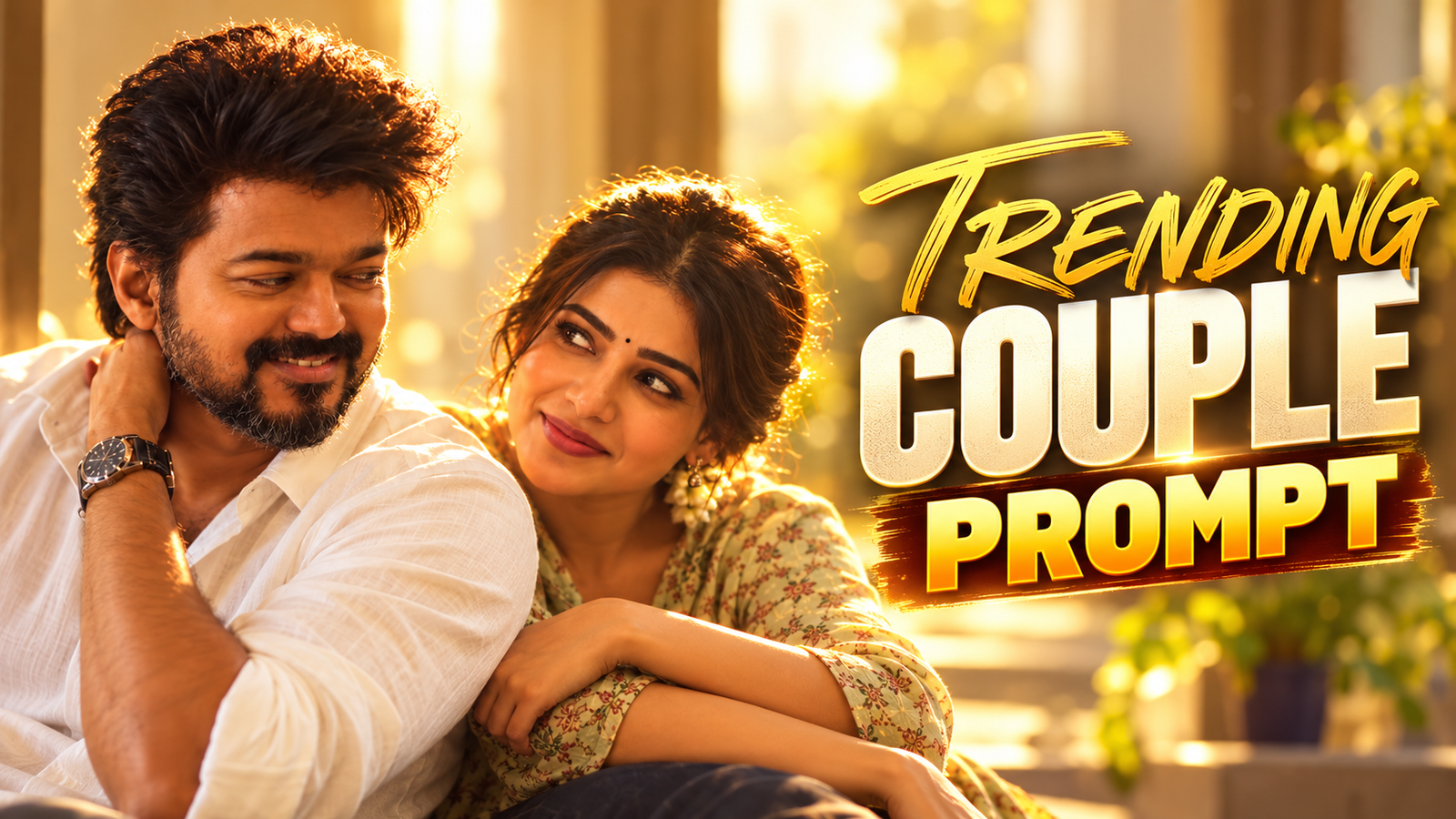
This guide focuses on one thing: turning vague ideas like trending selfie or viral product pic into clear photo prompts you can use in AI apps or with a normal phone camera.
1. The Real Problem: Make It Viral Is Not a Prompt
What most people type into AI or think before taking a shot:
- Make a viral photo of me.
- Trending aesthetic selfie.
- Cool product image for Instagram.
Those ideas fail because they skip the details that actually drive shares:
- Emotion: Is it funny, aspirational, cute, dramatic, controversial (within platform rules)?
- Context: Where would this go viral? TikTok? LinkedIn? Reddit? Each one wants different visuals.
- Hook detail: One thing that makes someone stop scrolling (unexpected prop, color clash, weird angle, tiny story moment).
Your job is not make viral content. Your job is describe a moment so clearly any AI model or photographer knows what to capture.
PROMPT LINK
2. A Simple Prompt Formula for Viral‑Style Photos
Use this reusable structure for both AI tools and real‑camera shot planning:
Viral Prompt Formula:
[subject] + [strong emotion or reaction] + [setting] + [one unusual or trending detail] + [framing / style] + [platform or format hint]
Here’s how each part helps:
- Subject: Person, product, pet, location, meme template, etc.
- Emotion / reaction: What the viewer should feel instantly (awe, that’s me, laugh, I want this, etc.).
- Setting: Where it happens (messy bedroom, subway station, rooftop at sunset, desk setup).
- Unusual / trending detail: Tiny twist that screams screenshot me (matching outfits, giant prop, absurd scale, visual joke).
- Framing / style: Close‑up, wide shot, POV, overhead flat lay, candid vs. posed.
- Platform hint: Vertical for Reels/TikTok, 1:1 for Instagram feed, 16:9 for YouTube thumbnail, text‑space for meme captions.
For AI, you type the whole thing. For phone photography, you use it as a mini shot list.
3. Viral‑Style Prompt Examples by Use Case
Below are realistic examples you can paste into AI tools (remove bracket notes) or adapt as shot directions for your camera.
3.1 Portrait & Selfie Prompts
Goal: Save‑worthy or profile‑worthy portraits that feel current, not cringe.
- Moody creator selfie:
close‑up portrait of a young content creator, thoughtful expression, sitting at a dimly lit desk with dual monitors, neon purple and cyan backlight, cluttered but cozy workspace, shallow depth of field, vertical framing for TikTok thumbnail - Relatable before coffee shot:
candid selfie, slightly messy hair, oversized hoodie, holding a huge coffee mug that looks comically big, morning light through apartment window, soft warm tones, empty space on top for meme text, 4:5 Instagram portrait - Glow‑up edit prompt (for AI post‑processing):
subtle portrait retouch, keep natural skin texture, soften under‑eye shadows slightly, add gentle warm backlight, modern social media look, no plastic skin, no body reshaping
Phone‑only tip: For the huge‑mug photo, actually use a big bowl or jug off‑camera and crop creatively. Viral‑feeling photos usually have at least one exaggerated detail.
3.2 Product & Small Business Prompts
Goal: Make a product scroll‑stopping without looking like a generic ad.
- Desk gadget hero shot:
minimal overhead photo of a wireless keyboard and mouse on a clean white desk, one bold accent object (bright yellow notebook), soft natural window light, subtle shadows, 1:1 Instagram post, extra space around product for overlay text - Real user chaos shot:
wide photo of a very messy desk with cables and papers everywhere, one product perfectly organized in the center on a small clean mat, humorous contrast, bright daylight, horizontal for Twitter header - AI concept prompt for ad ideas:
creative concept image showing a reusable water bottle as a tiny planet with oceans swirling inside, held gently in a human hand, eco‑friendly vibe, deep blue and green color palette, cinematic lighting, 16:9 for web banner inspiration
Then recreate the best AI concepts with your real product where possible to avoid licensing risks.
3.3 Travel & Location Prompts
Goal: Turn standard I was there travel snaps into shareable scenes.
- POV city walk:
POV shot looking down at sneakers on a wet city street, neon reflections in puddles, blurred traffic lights in the distance, moody cyberpunk vibe, vertical for Reels - Living here fantasy:
cozy interior of a small apartment overlooking city skyline at golden hour, laptop on small table, plants on windowsill, soft clutter, warm lens flare, aspirational but believable, 4:5 portrait - Before/after weather prompt for AI:
same city street corner, split image, left side rainy at night with reflections, right side sunny daytime with crowds, identical camera angle, clean modern style
3.4 Meme & Reaction Image Prompts (Within Platform Rules)
Goal: Make templates others want to reuse, without targeting private individuals or groups.
- Relatable work meme base:
overhead photo of a laptop with 20 browser tabs open, messy notes, cold coffee cup, sticky notes saying ASAP and urgent, neutral color palette, large empty space at top for text, horizontal image - Reaction face (no celebrity likeness):
studio portrait of a generic person with an exaggerated I can’t believe this face, eyebrows raised, side‑eye, simple solid background, consistent lighting, 1:1, no resemblance to known public figures
4. Using These Prompts in Real Apps (AI + Camera)
The exact steps will vary by app (Midjourney, DALL·E, Stable Diffusion front‑ends, mobile AI photo apps, native camera apps), but the workflow is similar.
4.1 In AI Image Tools
- Open your AI app or web tool and find the image or generate section.
- Pick a base style if required (photo‑realistic, cinematic, studio, etc.).
- Paste your prompt, then:
- Remove anything forbidden by that platform (some block brand names, political content, etc.).
- Keep it under 2 3 sentences where possible. Overly long prompts can confuse models.
- Generate at least 4 8 variants. Viral‑feeling results usually take a few tries.
- Use your app’s built‑in crop tool to match the platform (9:16, 1:1, 4:5, or 16:9).
4.2 With a Normal Phone Camera
Treat the prompt like a mini storyboard:
- Write your prompt in your notes app using the formula.
- Underline the key props and emotions. For example, huge coffee mug, messy desk, cozy light.
- Set up the scene before you open the camera. Place objects, adjust lighting, clear distractions.
- Shoot variations: close‑up, wide shot, overhead, low angle. Viral‑style images often come from an unexpected angle.
- Do a quick edit in any standard editor:
- Increase contrast slightly.
- Adjust warmth to match the mood (cooler for techy, warmer for cozy).
- Crop for the platform you care about most.
5. Common Mistakes That Kill Viral Potential
- Stuffing every trend in one prompt. Example: anime cyberpunk cottagecore neon minimalism. Pick 1 2 clear aesthetics.
- No story anchor. Cool cyberpunk city is generic. POV waiting at a vending machine at 3am in a cyberpunk city is shareable.
- Ignoring platform format. Great 16:9 landscapes look awful in vertical feeds if you crop badly.
- Over‑editing faces. Extremely smoothed skin or warped features reduce trust and hurt creator branding.
- Copyright and privacy blind spots. Uploading identifiable people without consent, or copying celebrities and brands, can lead to takedowns or worse.
6. Safety, Ethics, and Platform Rules
Trending does not justify ignoring rules. Keep these in mind:
- Ask permission before posting clear photos of friends, clients, or bystanders.
- Avoid deepfakes or misleading edits that suggest real events that never happened.
- Follow your AI app’s policy on copyrighted styles, trademarks, and sensitive topics.
- Mark AI‑generated images where required by local regulation or platform policy.