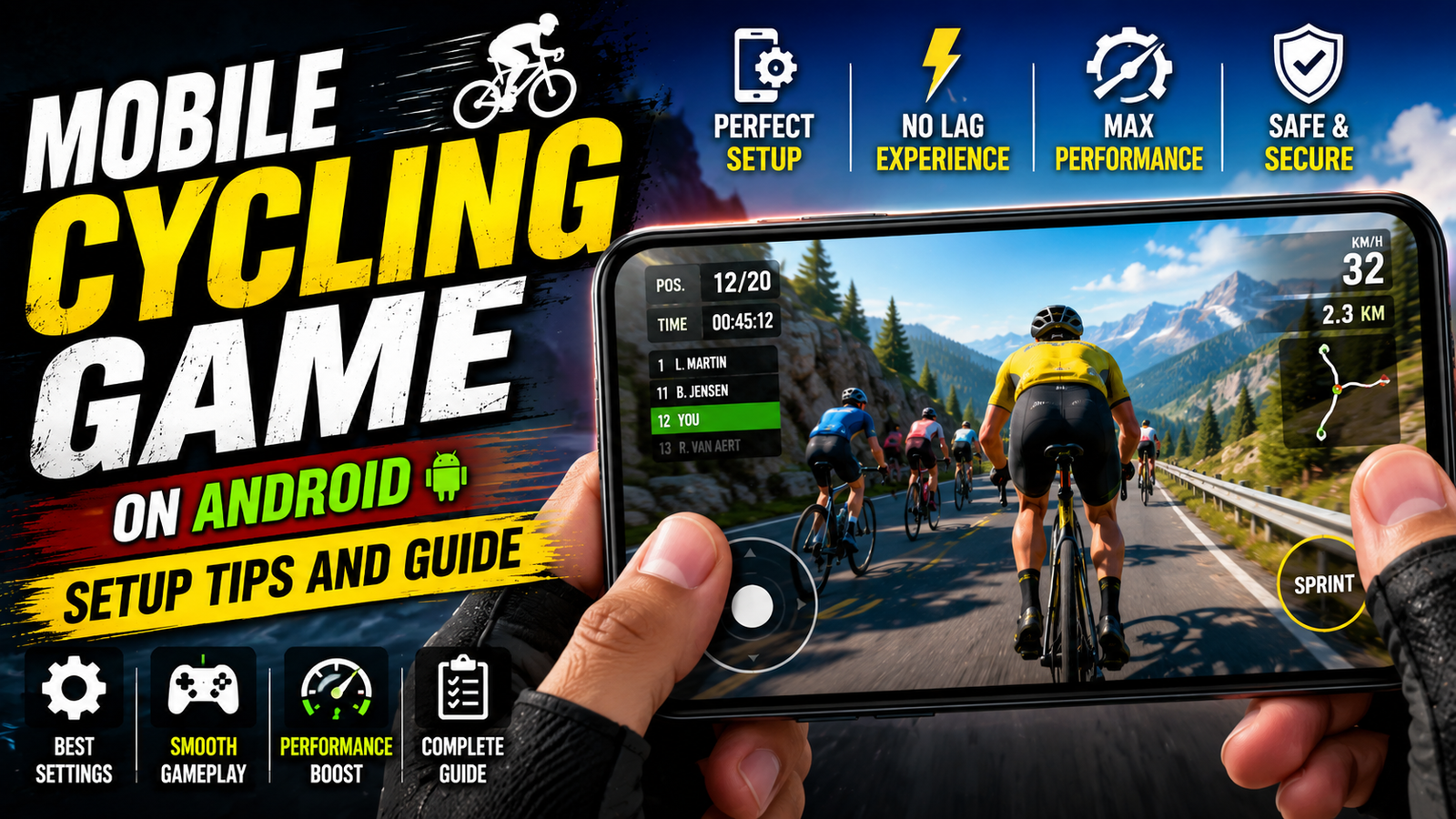
Android cycling games range from simple endless riders to BMX stunt games, downhill racers, and training applications that connect to real exercise equipment. Checking the game type before installation prevents a common disappointment: downloading an arcade title when you expected a realistic cycling simulator.
The store listing should explain whether the game needs a constant internet connection, how much storage it uses after additional downloads, whether it contains advertisements or purchases, and which Android versions it supports. Recent reviews can also reveal heating, control, or ad-frequency problems that are not obvious in screenshots.
Performance depends on more than the phone’s price. Frame rate, screen brightness, network activity, vibration, and graphics quality all affect battery use and temperature. Begin with medium settings, play for ten minutes, and increase quality only if the phone remains responsive and comfortable to hold.
This guide covers game categories, installation checks, control setup, heat and battery management, purchase safeguards, and child-account considerations. A mobile cycling game can be entertaining, but it should not be presented as a substitute for outdoor cycling or a verified fitness programme.
The existing button opens an extreme BMX and bicycle game listing in Google Play. Review its current developer, age rating, advertisements, purchases, permissions, and compatibility before installing, because those details may change after this article is published.
Understand the different cycling-game categories
The phrase can refer to very different types of games, which is why search results often feel confusing. Some apps are basically arcade racers with bicycles, others try to connect to real trainers and power meters, and some are endless runners that just look like cycling but behave more like a basic runner game.

Knowing which group you want saves a lot of time. For example, a person with a cheap phone and limited data probably wants a lightweight offline game, not a 4 gigabyte virtual world that needs constant internet for multiplayer races.
Compare arcade, stunt, racing, and training styles
Use this table as a quick reference before you install anything. Names are generic examples, not specific brands, but they reflect what you will usually see in the Play Store.
Official App Listing

| Type | Typical Size | Needs Internet | Best For | Main Drawbacks |
|---|---|---|---|---|
| Arcade road racer | 300 to 800 MB | Often optional | Fast races, quick sessions | Can have heavy ads and bright effects |
| Casual endless rider | 100 to 300 MB | Usually offline | Kids, low spec phones | Repetitive gameplay, simple physics |
| Simulation style trainer | 1 to 5 GB | Almost always online | Fitness fans with smart trainers | Heavy battery use, large updates |
| BMX and tricks | 200 to 600 MB | Depends on game | Stunt focused players | Trick controls can feel complex on touch |
Check the listing before installation
Once you find a mobile cycling game on Android that looks promising, do not tap install blindly. The Play Store is safer than random websites, but there are still apps with abusive ads, fake reviews, or unclear data collection.
- Check recent reviews and sort by newest, look for comments about crashes, paywall changes, or sudden spike in ads after the last update.
- Scan the data safety section, see if the app collects location, device id, or health data, make sure that matches the feature list of the game.
- Check the install size and possible extra download, many larger games download additional files once you open them.
- Avoid installing from third party APK sites unless you fully trust the source and understand the risks of malware and banned accounts.
One real world example, a reader installed a nice looking cycling racer that had good older reviews. After a recent update the developer added unskippable full screen ads between every short race. New reviews were full of complaints, but the reader only checked the five star ones at the top and regretted it later.
Set up graphics and controls for the first session
When you open the game for the first time, most titles show a splash screen and then throw you into a tutorial. Before or after the tutorial, look for a settings icon, usually a small gear or three lines, and spend five minutes there. This first visit can fix half of the future frustration.
Graphics and performance tweaks
- Lower overall graphics or effects if your phone is mid range or older, high shadows and reflections can cause stutter on busy tracks.
- Limit the frame rate if the game allows it, a cap like 30 fps can reduce heat and extend battery life without ruining casual play.
- Disable extra motion blur or depth effects if you feel eye strain, these settings cost performance and rarely help gameplay clarity.
Control style choices
- Try tilt steering only if you usually play games that way, some players find tilt fun for cars but awkward for bicycles.
- If the game offers virtual buttons, increase button size for thicker fingers and move them away from the extreme corners.
- Adjust sensitivity gradually, start from the default, then make small changes until cornering feels predictable.
Case study style example, a teenager with a low cost Android phone installed a 3D mountain biking game. On default high graphics the frame rate dropped badly when trees and rocks filled the screen. By lowering graphics to medium, turning off real time shadows, and locking the frame rate, the game became stable enough to finish races without random slow motion moments.
Manage battery, heat, storage, and data use
Cycling games that stream large maps or multiplayer races can use a lot of battery and data. This is not a bug, but you can manage it. If your phone feels too hot to touch near the camera area, it is time for a short break.
- Play on Wi Fi when possible, especially for online simulators that constantly sync your ride data.
- Use the game power saver mode if provided, some titles offer a battery saver preset that reduces effects slightly.
- Avoid charging and playing heavy games at the same time, this can push temperature higher and age the battery faster.
A useful habit is to watch the battery graph inside Android settings after a long gaming session. If one game is always at the top by a wide margin, consider shorter sessions or lighter alternatives for everyday play.
Advertisements, purchases, and child-account safeguards
Many free cycling games rely on ads and in app purchases for revenue. That is normal, but some titles push it too far. When the first pop up to buy a bundle appears, read it carefully and look for a small cross or back button instead of tapping the large bright purchase button by accident.
- Open Google Play settings, turn on authentication for purchases, so the store asks for a password or biometric confirmation.
- Explore if the game offers a one time ad removal purchase, sometimes this is cheaper and cleaner than constant rewarded ads.
- If a child is playing, sit with them for the first few sessions to explain what real money purchases look like.
Another real world pattern, some stunt cycling games show video ads after every failed trick. Kids can end up watching more ads than playing. If you notice this, it can be better to uninstall and pick a less aggressive game instead of fighting the design.
Gaming is not the same as cycling exercise
Simulation style cycling apps sometimes connect to smart trainers, heart rate bands, or cadence sensors. On Android this usually requires Bluetooth permissions and sometimes location. Only grant these when you understand which device is being connected and why.
For casual players without extra hardware, you can still treat certain games as motivation. For example, decide that you will only play the mountain descent track after a real world walk or ride. This habit links fun with activity rather than sitting longer.
Choose a game that matches your device and expectations
Choosing a mobile cycling game on Android works best when you match the game type with the phone you own and the time you actually have. Lightweight endless riders fit older devices and short breaks, while large simulators make more sense for players who already care about indoor training and have stable Wi Fi.
The key actions are simple, read recent reviews, check data and battery expectations, tune graphics and controls early, and put limits around ads and purchases. With those basics in place, most of the popular cycling titles on Android can feel far smoother and less annoying than the default first launch experience suggests.
Common questions about Android cycling games
Which mobile cycling game type is best for low end Android phones
Look for small install sizes under 300 megabytes, offline support, and simple graphics. Endless riders and older BMX games tend to run better than big open world simulators on budget hardware.
Can I play cycling games offline on Android
Yes, many casual and arcade style games work fully offline once installed. Larger trainer style apps often require a constant connection for profiles, events, and updates.
How do I reduce lag in a 3D cycling game
Lower the graphics preset, turn off extra effects like shadows and motion blur, close other apps, and check that your phone is not in a battery saver mode that throttles performance heavily.
Are cycling games safe for kids
Most are safe in terms of content, but you should lock purchases behind a password and watch for frequent ads or online chat features. Always check the age rating and privacy policy.
Is it worth paying to remove ads in a cycling game
If you enjoy the gameplay and plan to keep the app installed, a one time ad removal can make play sessions smoother and can also slightly reduce battery and data use.
Thank you for reading this guide on Android cycling games. If you found it helpful, consider following our blog for more latest tech news, useful apps, AI tools, and practical Android updates.