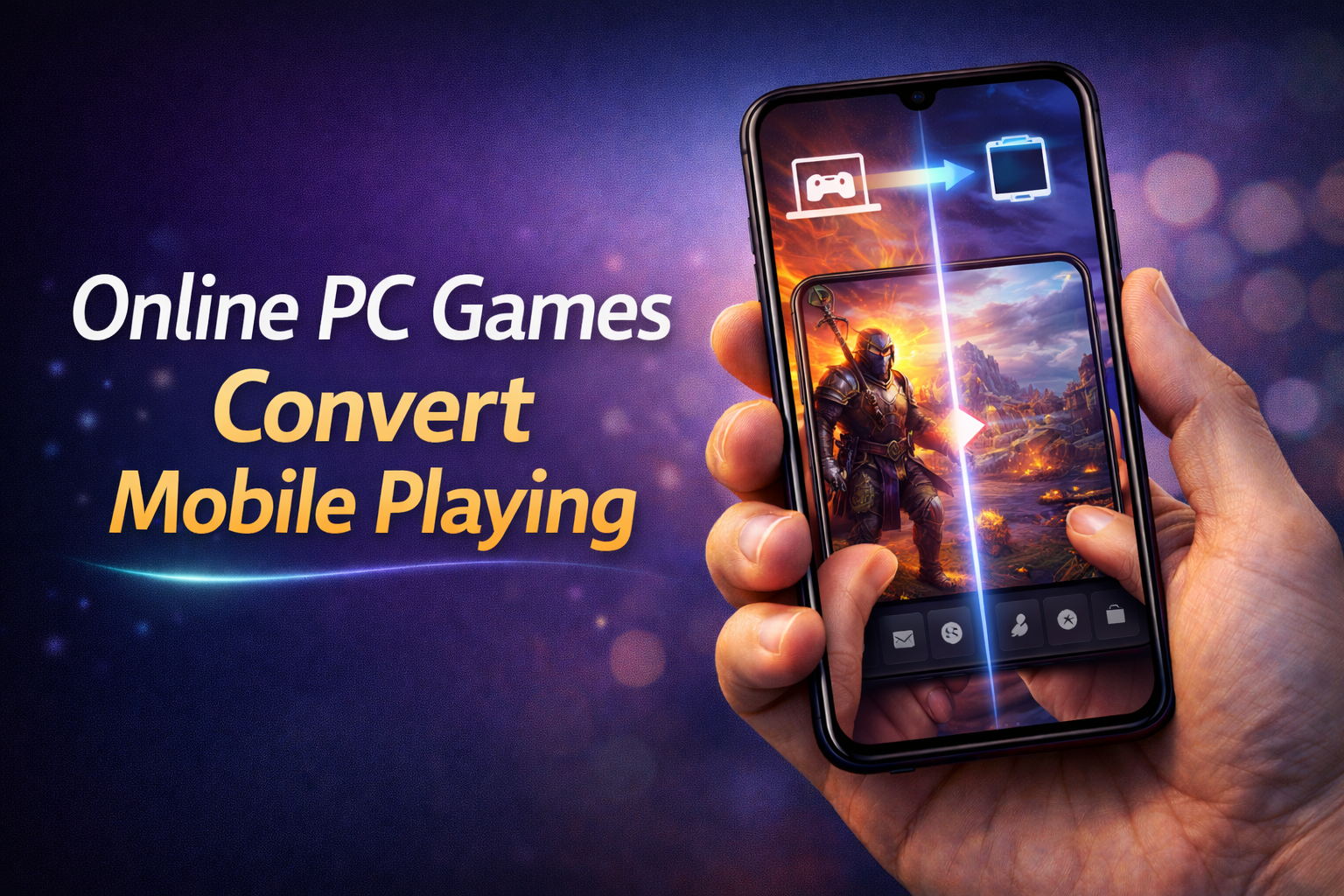
The idea of playing PC-level games on a mobile phone is no longer unrealistic. In 2026, technology has reached a point where users can access high-end PC games directly on their smartphones without needing powerful hardware. Instead of converting games in the traditional sense, modern solutions focus on streaming, cloud gaming, and remote access to deliver a full PC gaming experience on mobile devices.
Most people misunderstand this concept. You are not actually “converting” a PC game into a mobile app file. What you are doing is running the game on a powerful system and streaming it to your phone in real time. If you think you can directly install PC games like GTA V APK on mobile, that’s wrong and mostly fake or unsafe.
How PC Games Work on Mobile
There are two main methods that allow users to play PC games on mobile devices.
Cloud Gaming
Cloud gaming is the most popular and practical method. In this system, games run on remote servers with high-end hardware. Your mobile device simply receives the video stream and sends your inputs back to the server.
Platforms like NVIDIA GeForce NOW and Xbox Cloud Gaming allow users to play PC and console games directly on mobile browsers or apps.
Example 1: You can play a high-end game like Cyberpunk 2077 on your mobile using cloud gaming without installing it locally.
Example 2: A user can access their game library and play titles like Fortnite smoothly on a mid-range smartphone.
Remote Desktop Gaming
Another method is remote desktop access. Here, your own PC runs the game, and your mobile device connects to it.
Apps like Steam Link and Parsec let you stream your PC screen to your phone.
Example 1: You install a game on your home PC and control it using your mobile from another location.
Example 2: You can play your Steam library games on your phone while the PC handles all processing.
Why This Trend Is Growing
The demand for playing PC games on mobile is increasing because users want flexibility. Not everyone can sit in front of a PC all the time, and mobile access allows gaming anywhere.
Another major factor is hardware limitation. Most mobile phones cannot run heavy PC games natively, but cloud gaming removes this limitation completely.
Internet speed improvements, especially 5G and high-speed Wi-Fi, also make this experience smoother with less lag.
Requirements for Smooth Gameplay
If you want a good experience, you need to meet some basic requirements.
• Stable high-speed internet connection
• Low latency network (important for real-time control)
• Compatible mobile device
• Supported cloud gaming service or remote app
Example 1: A slow internet connection will cause lag and input delay, making games unplayable.
Example 2: A stable Wi-Fi connection can provide smooth gameplay even on mid-range devices.
Advantages of Playing PC Games on Mobile
This method provides several clear benefits.
You don’t need expensive gaming hardware. The processing happens on remote servers or your own PC.
You can play anywhere. As long as you have internet access, your games are available.
No large downloads are required on your phone, saving storage space.
Example 1: A user with a basic phone can still play high-end games through cloud services.
Example 2: You can continue your PC game progress while traveling without carrying your computer.
Limitations You Should Know
This is not a perfect solution, and you should understand the drawbacks.
Internet dependency is the biggest limitation. Without a strong connection, the experience becomes frustrating.
Latency can affect fast-paced games like shooting or racing games.
Not all games are supported on every platform.
Example 1: Competitive games may feel delayed due to input lag.
Example 2: Some region-based restrictions may limit access to certain services.
Conclusion
Playing PC games on mobile in 2026 is completely possible, but not through direct conversion. The real solution lies in cloud gaming and remote desktop technologies. These methods allow users to enjoy high-quality gaming experiences on mobile devices without needing powerful hardware.
If you expect APK downloads of PC games to work on mobile, that’s a misconception and often unsafe. Instead, using trusted platforms provides a safe and realistic way to enjoy PC gaming on your smartphone.
FAQs
Can I convert PC games into mobile apps?
No, PC games cannot be directly converted into mobile APK files. They require different systems and hardware.
What is the best way to play PC games on mobile?
Cloud gaming and remote desktop apps are the most effective and safe methods.
Do I need a high-end phone?
No, even mid-range phones can handle cloud gaming since processing is done externally.
Is internet speed important?
Yes, a fast and stable internet connection is essential for smooth gameplay.