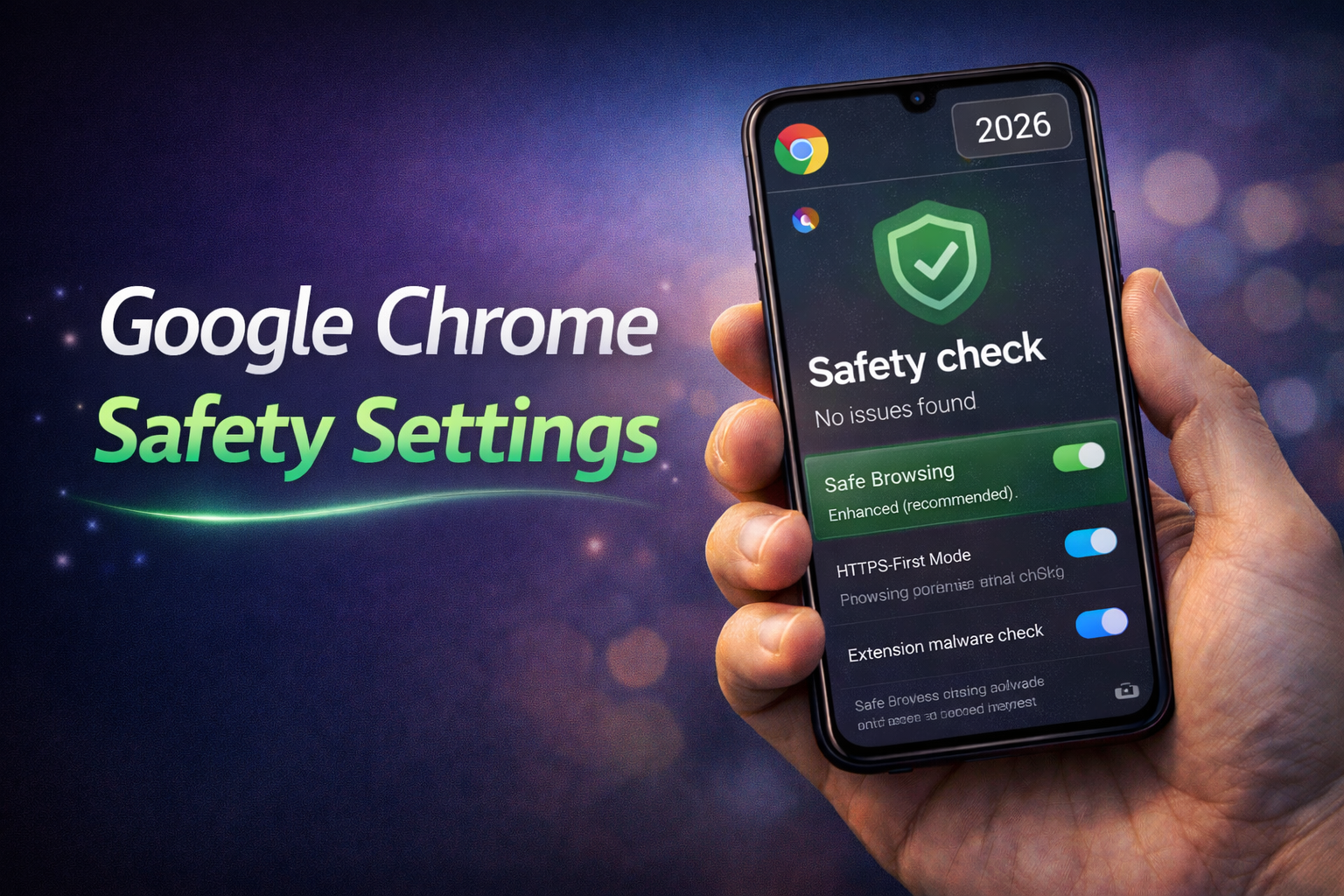
Online security has become more important than ever, especially with increasing cyber threats, data tracking, and malicious websites. In 2026, Google Chrome includes advanced safety settings that help users protect their data, browsing activity, and personal information. Many of these features run in the background, but understanding and configuring them properly can significantly improve your online safety.
Chrome is no longer just a browser—it acts as a security layer between you and the internet. With built-in protection systems, it can block harmful websites, warn about unsafe downloads, and prevent tracking attempts.
Why Chrome Safety Settings Matter
Most users ignore browser security settings, which is a mistake. Cyber threats like phishing, malware, and data tracking are common, and basic browsing without protection can expose sensitive information.
For example, visiting a fake website that looks like a banking page can lead to stolen login credentials. Similarly, downloading files from untrusted sources can install harmful software on your device.
Chrome’s safety settings are designed to reduce these risks by detecting suspicious activity and warning users before damage occurs.
Key Safety Features in Chrome 2026
Chrome offers multiple layers of security that work together to protect users.
Safe Browsing Protection
Safe Browsing is one of the most important features. It warns users when they try to visit dangerous or deceptive websites. Enhanced protection mode provides real-time security checks and faster threat detection.
HTTPS-First Mode
This feature ensures that Chrome connects to secure versions of websites whenever possible. If a website does not support secure HTTPS, Chrome alerts the user before proceeding.
Password Manager and Leak Detection
Chrome’s built-in password manager stores login details securely and alerts users if their passwords are found in data breaches. This helps users take quick action and update compromised passwords.
Site Permissions Control
Users can control what each website can access, such as camera, microphone, location, and notifications. Restricting unnecessary permissions reduces privacy risks.
Pop-up and Redirect Blocking
Chrome blocks unwanted pop-ups and redirects that often lead to spam or malicious websites. This keeps browsing clean and safe.
Important Safety Settings You Should Enable
To maximize protection, users should manually check and enable certain settings.
• Turn on Enhanced Safe Browsing for stronger protection
• Enable HTTPS-First Mode for secure connections
• Use strong and unique passwords in the password manager
• Disable unnecessary site permissions
• Keep Chrome updated to the latest version
For example, enabling Enhanced Safe Browsing can warn you instantly about dangerous links. Similarly, restricting camera access prevents websites from misusing your device.
Privacy Controls in Chrome
Apart from security, Chrome also provides privacy-focused settings.
Users can clear browsing data such as history, cookies, and cached files. This helps remove tracking data stored by websites.
Third-party cookie blocking is another useful feature. It limits how advertisers track your activity across different websites.
Incognito mode allows users to browse without saving history or cookies locally. However, it does not make you completely anonymous, which many users misunderstand.
Common Mistakes Users Make
Many users assume that default settings are enough, which is not always true. Ignoring updates, reusing weak passwords, and allowing unnecessary permissions can weaken security.
For example, using the same password across multiple sites increases risk if one site is compromised. Another common mistake is clicking on unknown links without checking their authenticity.
Conclusion
Google Chrome safety settings in 2026 provide powerful tools to protect users from online threats. From Safe Browsing to HTTPS enforcement and password protection, these features help create a safer browsing experience.
However, security is not automatic. Users must actively enable and manage these settings to get the full benefit. By making a few simple changes, you can significantly reduce risks and browse the internet with greater confidence.
FAQs
Is Google Chrome safe in 2026?
Yes, Chrome is one of the most secure browsers, especially when safety features like Enhanced Safe Browsing are enabled.
What is Enhanced Safe Browsing?
It is an advanced protection mode that offers real-time threat detection and stronger security against dangerous websites and downloads.
Does Incognito mode make browsing private?
Incognito mode hides local browsing data but does not make you completely anonymous online.
How often should I update Chrome?
You should always use the latest version, as updates include important security fixes and improvements.