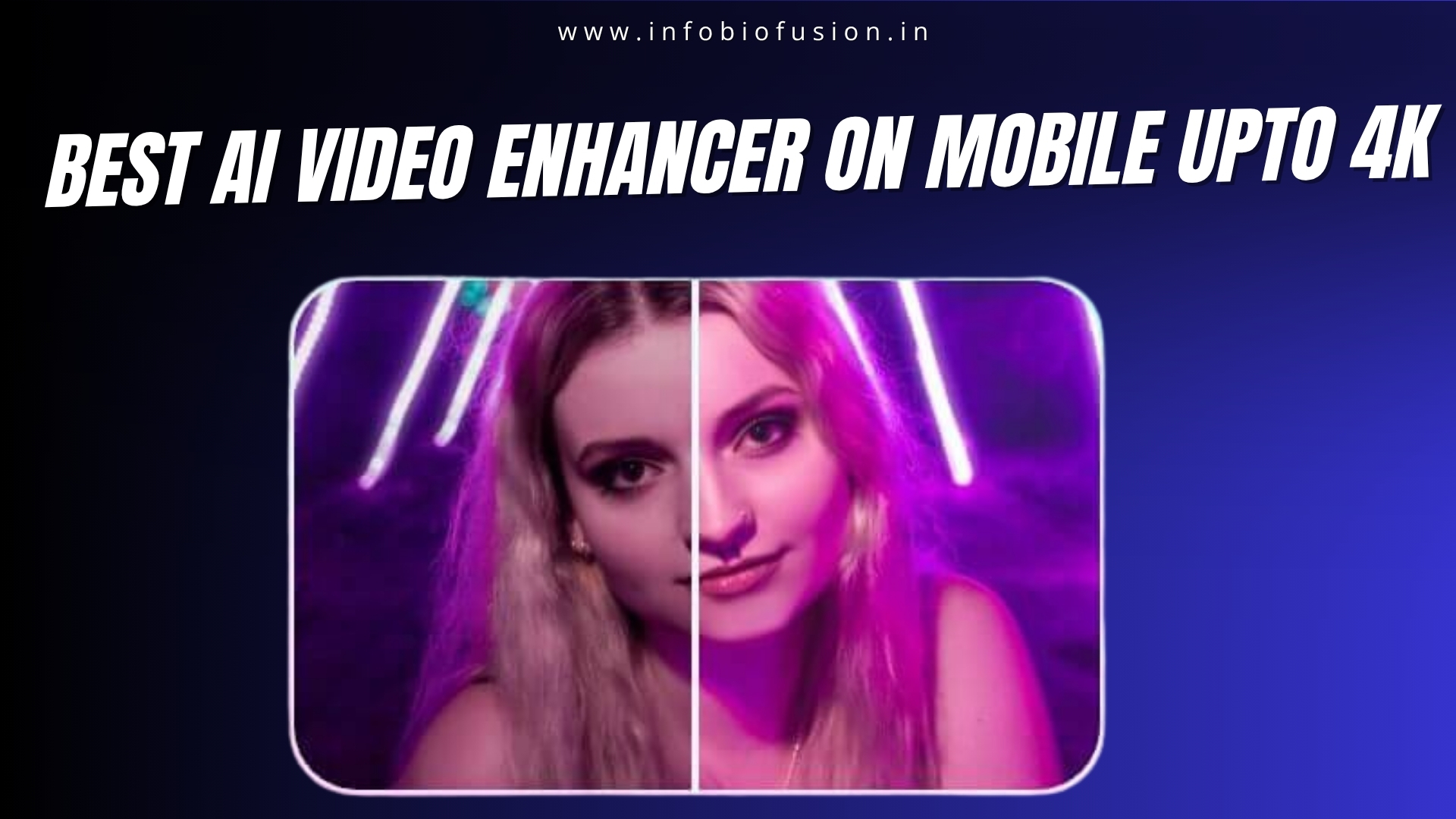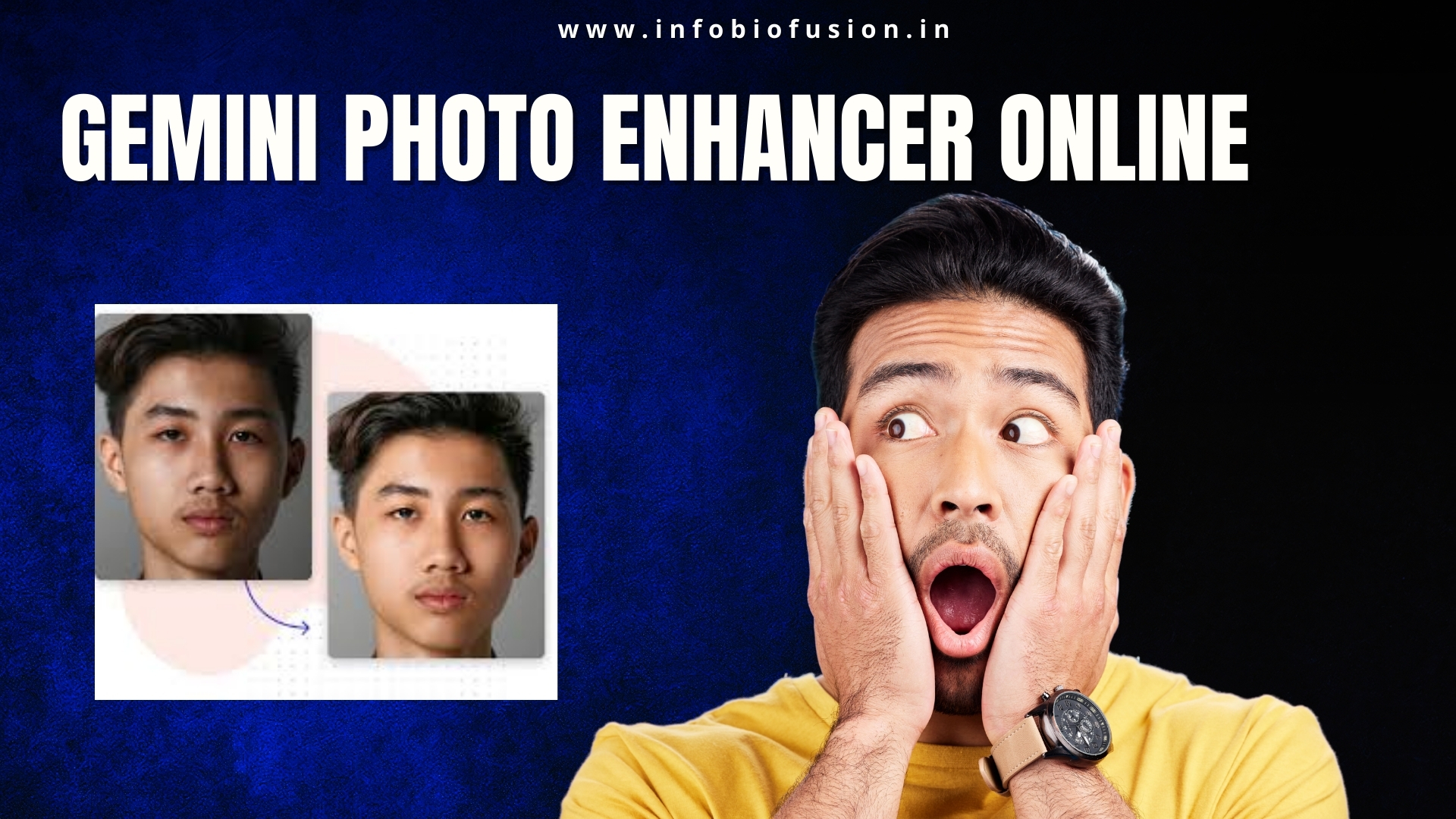
Gemini Image Enhance is becoming popular because people want fast, AI-powered photo improvement without complicated editing steps. Most users do not have time to manually adjust exposure, clarity, and sharpness. AI enhancement tools simplify the process by analyzing lighting, noise, and detail automatically. Instead of spending twenty minutes editing, you get results in seconds. Speed combined with acceptable quality is why this trend is growing.
The main strength of Gemini-based image enhancement lies in automatic detail reconstruction. AI models detect blur, low resolution, and compression artifacts. They then rebuild texture using pattern recognition. This is especially useful for social media creators who reuse screenshots or old photos. However, enhancement does not mean miracle restoration.
One important feature is AI upscaling. Gemini enhancement tools can increase image resolution while trying to preserve clarity. This helps when converting low-quality images into sharper visuals for posting. But understand the limitation clearly. AI predicts missing pixels; it does not magically recover lost data.
Face enhancement is another trending use case. AI identifies facial structure, smooths uneven skin tone, and sharpens eyes and hairlines. When used moderately, results look natural and polished. When overused, images look artificial and plastic. Controlled enhancement always performs better than aggressive filtering.
Lighting correction is one of the most practical functions. Gemini AI can balance highlights and shadows automatically. Poor lighting is one of the biggest reasons photos look dull. Smart adjustment restores dynamic range without manual editing knowledge. This is especially useful for beginners.
Noise reduction is crucial for low-light photos. AI enhancement reduces grain while attempting to maintain edge sharpness. Basic filters blur the entire image, destroying detail. Intelligent models separate noise from texture. Still, extreme low-light shots will never look like daylight captures.
For content creators, workflow efficiency matters more than perfection. Fast enhancement allows consistent posting without heavy editing software. If your goal is Instagram or YouTube thumbnails, quick AI cleanup is enough. If your goal is professional photography, manual refinement is still required. Tools assist; they do not replace skill.
File format and resolution settings also influence output quality. Always export in high resolution after enhancement. Compressing the image again defeats the purpose. Maintaining clarity during export ensures better online presentation. Many users enhance properly but ruin quality during saving.
Common mistakes include over-sharpening and excessive smoothing. Over-sharpening creates unnatural halos around edges. Over-smoothing removes skin texture and realism. The goal of enhancement is improvement, not transformation. Subtle correction wins long term.
Conclusion
Gemini Image Enhance is powerful for quick, AI-driven improvements. It works best for resolution boost, lighting correction, and mild facial sharpening. It cannot fully repair extremely damaged images. Smart usage produces clean, natural-looking results. Aggressive editing creates fake visuals.
FAQs
1. Can Gemini enhance very old damaged photos perfectly?
It can improve clarity but cannot fully restore missing details.
2. Is AI upscaling the same as real high-resolution photography?
No, it predicts missing data rather than capturing new detail.
3. Does AI face enhancement look natural?
Yes, if used moderately and not over-processed.
4. Is Gemini Image Enhance good for social media creators?
Yes, it speeds up workflow and improves visual consistency.

Hi, I’m Sai from Tech Legends Agency. I share simple guides, reviews, and tips on Android apps, gadgets, and digital tools to make your daily life easier.